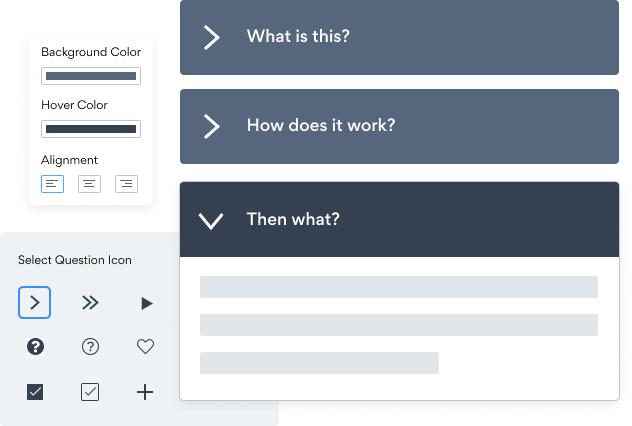

Insertar la aplicación Preguntas frecuentes en tu sitio Microsoft Sharepoint nunca ha sido tan fácil
Cree su aplicación personalizada Preguntas frecuentes Microsoft Sharepoint, combine el estilo y los colores de su sitio web, y agregue Preguntas frecuentes a su Microsoft Sharepoint página, publicación, barra lateral, pie de página o donde desee en su sitio.
Undecided if our Preguntas frecuentes app will suit your needs? We have all the details you need.
See the detailsRemove the Guesswork of Building Your Brand
Brand Identity Begins With a Great Website
If you have your Microsoft Sharepoint website published, you’ve tackled the biggest challenge in building an online presence. Awesome!
But next comes a tough question: how can you entice, captivate, turn, and support more visitors?

Make Your Website Elements Unique
Some may think only a 'techie' in the office or a self-proclaimed 'expert' on Facebook can grow a Preguntas frecuentes without a hitch.
Others look for low-cost alternative Preguntas frecuentes apps from overseas or open source Preguntas frecuentes apps that claim to have what they're looking for.
Save Time With POWR
And it takes huge amount of time to customize and update a Preguntas frecuentes app, which will create more issues.
But, if you haven't built a strong security system, your business could be prone to hacking and other security issues. We thought of that!


Because POWR is built for scale, has the most advanced built-in security and high-volume capabilities of any other Preguntas frecuentes app on the market, we protect you while you grow on Microsoft Sharepoint.

CASE STUDY: Rbia Shades wins big with POWR
After much success locally, Rbia needed a way to collect emails effectively on their brand-new website.
Their website provider did not have what they were looking for, so the search was on. After doing their research, they believed POWR was what they needed.
Shortly after signing on with POWR, Rbia’s first step was to install a popup. They increased their contacts by over 250% (over 600 real contacts).
Soon after, they added our Social Feed app and grew their social media following to over 6000.
Next, they added a Media Slider as a visual way to quickly show their products to new site visitors as they entered their homepage to show how the accessories looked in real life. It showcases their products well and gave customers a great on-site experience.
In fact, they quickly found that visitors who interacted with POWR apps on their site stayed engaged 2.5 times longer than ever before.



Every POWR app works on any platform.
See apps in action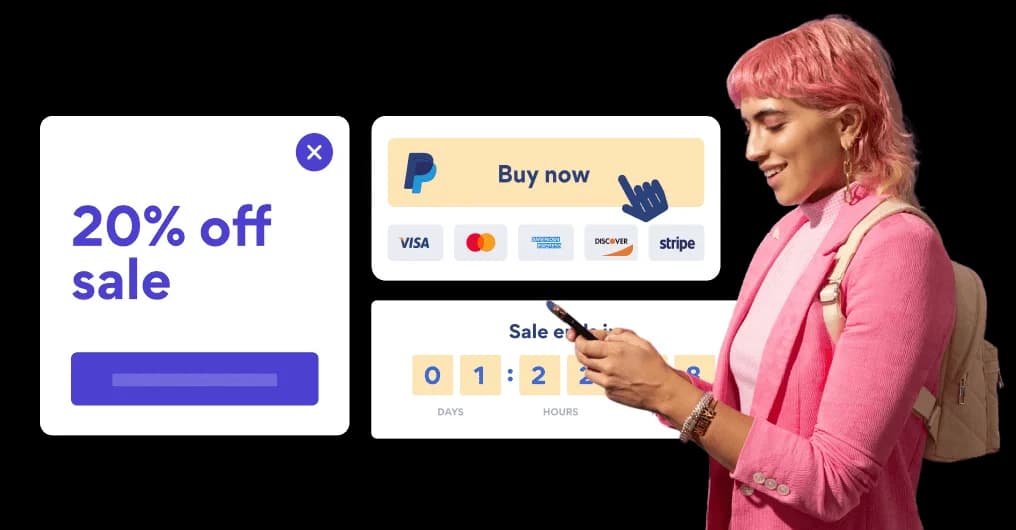

Trusted by the best in the biz!
POWR has helped over a half million businesses on every continent
(besides Antarctica, because of course not)


Frequently Asked Questions
Learn more about how to add POWR apps to your website.
Yes, any POWR app will work perfectly on any website. What’s better, is the patented POWR Live Editor is the same regardless of the app.
- Easily add more than one (for free)
- Edit to your needs directly from your live site
- Changes are made instantly
Absolutely! The POWR Preguntas frecuentes widget is optimized for mobile, ensuring that it looks great and functions smoothly across all devices, including phones and tablets.
This optimization enhances user experience, contributing to higher engagement rates on your Microsoft Sharepoint site.
POWR Preguntas frecuentes allows you to edit every detail such as fonts, colors, borders, and spacing directly from the editor, ensuring your Preguntas frecuentes perfectly match your brand's identity.
This flexibility makes it easy to integrate and align with your site's look and feel.
Adding Preguntas frecuentes to your Microsoft Sharepoint site is fully outlined above and straightforward with no coding required.
Simply follow POWR's setup guide, which is as easy as copy/pasting the provided code snippet into your site's HTML.
This ease of installation makes it convenient for Microsoft Sharepoint site owners to implement Preguntas frecuentes and gather feedback from their audience.
Using POWR Preguntas frecuentes on your Microsoft Sharepoint site offers numerous benefits, including enhanced customization options and easy installation without coding.
These features help improve your site's user engagement by allowing visitors to provide valuable feedback, leading to better online growth.