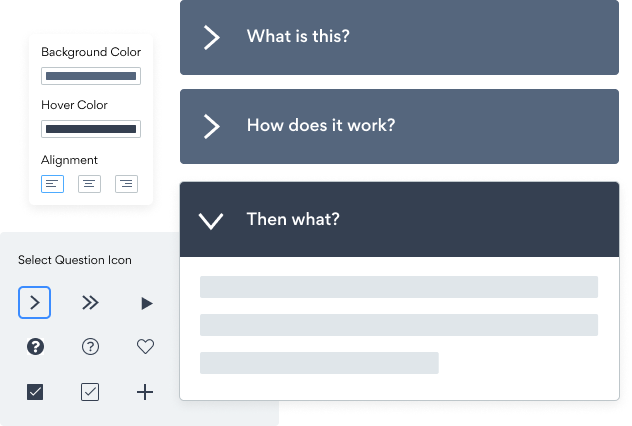

L'intégration de l'application FAQ sur votre epages site n'a jamais été aussi simple
Créez votre application FAQ epages personnalisée, associez le style et les couleurs de votre site web, et ajoutez FAQ à votre epages page, message, barre latérale, pied de page ou à l'endroit de votre choix sur votre site.
Not sure if our FAQ app is right for you? Find out more about its features and integrations.
See the detailsRemove the Guesswork of Building Your Brand
Brand Identity Begins With a Great Website
Congratulations on publicizing your business online with epages!
The next step is often getting website visitors and making sales, but how?

Then You Must Customize Your Elements
Some may think only a 'techie' in the office or a self-proclaimed 'expert' on Facebook can design a FAQ without a hitch.
Others look for low priced alternative FAQ apps from overseas or open source FAQ apps that claim to have what they're looking for.
Save Time With POWR
Plus, updating and customizing a FAQ app can be difficult, and you may think you have to hire a developer.
Additionally, as your business develops, hackers could see an unsecured FAQ as a great opportunity to exploit your business and your customers. We consider this and built safeguards!
POWR supports high-volume sites on epages and prioritizes the security of our FAQ app, as well as all 60+ apps, to keep any bad actors at bay.

CASE STUDY: Rbia Shades wins big with POWR
Rbia Shades needed to expand beyond its region by bringing its products online. They needed a low-maintenance, non-techie solution.
After much research, they chose POWR as their no-code tool of choice.
Shortly after signing on with POWR, Rbia’s first step was to install a popup. They increased their contacts by over 250% (over 600 real contacts).
Soon after, they added our Social Feed app and grew their social media following to over 6000.
Next, they added a Media Slider as a visual way to quickly show their products to new site visitors as they entered their homepage to show how the accessories looked in real life. It showcases their products well and gave customers a great on-site experience.
In fact, they quickly found that visitors who interacted with POWR apps on their site stayed engaged 2.5 times longer than ever before.



All POWR apps are built for peak-performance.
See apps in action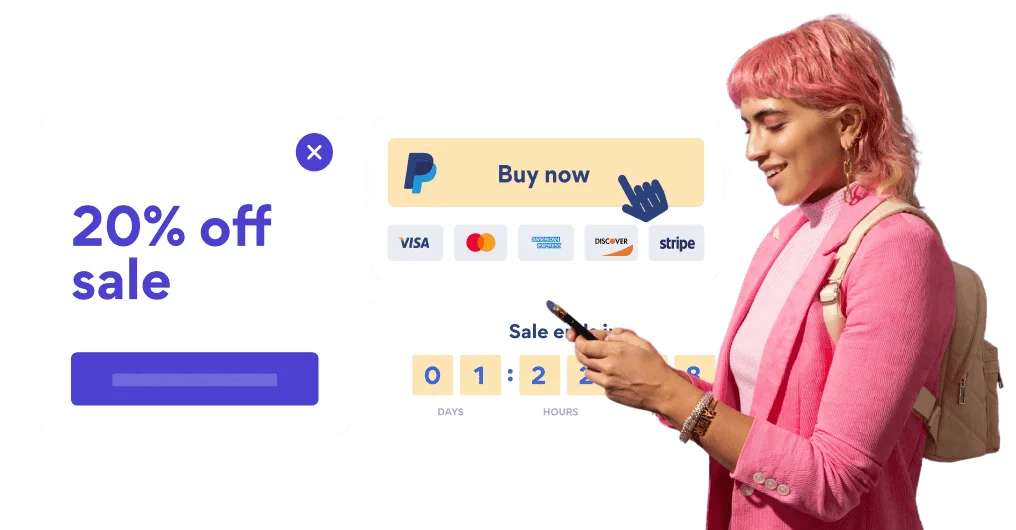

Trusted by the best in the biz!
POWR has helped over a half million businesses on every continent
(besides Antarctica, because of course not)


Frequently Asked Questions
Learn more about how to add POWR apps to your website.
Yes, any POWR app will work perfectly on any website. What’s better, is the patented POWR Live Editor is the same regardless of the app.
- Easily add more than one (for free)
- Edit to your needs directly from your live site
- Changes are made instantly
Absolutely! The POWR FAQ widget is optimized for mobile, ensuring that it looks great and functions smoothly across all devices, including phones and tablets.
This optimization enhances user experience, contributing to higher engagement rates on your epages site.
POWR FAQ allows you to edit every detail such as fonts, colors, borders, and spacing directly from the editor, ensuring your FAQ perfectly match your brand's identity.
This flexibility makes it easy to integrate and align with your site's look and feel.
Adding FAQ to your epages site is fully outlined above and straightforward with no coding required.
Simply follow POWR's setup guide, which is as easy as copy/pasting the provided code snippet into your site's HTML.
This ease of installation makes it convenient for epages site owners to implement FAQ and gather feedback from their audience.
Using POWR FAQ on your epages site offers numerous benefits, including enhanced customization options and easy installation without coding.
These features help improve your site's user engagement by allowing visitors to provide valuable feedback, leading to better online growth.