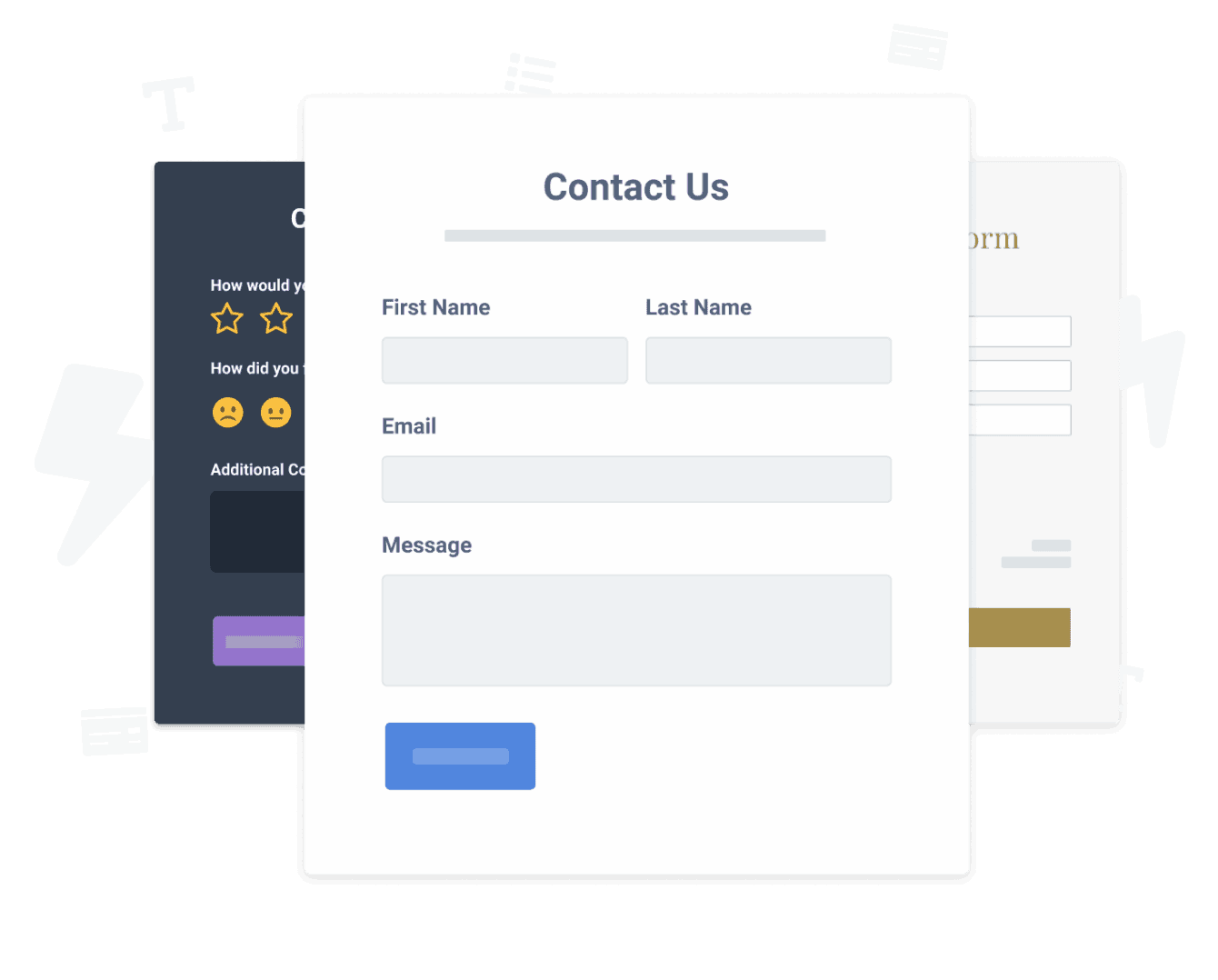

連絡フォームアプリをFotosサイトに埋め込むことがこれまでになく簡単になりました
カスタマイズした連絡フォーム Fotosアプリを作成し、ウェブサイトのスタイルと色を一致させ、連絡フォームをFotosページ、投稿、サイドバー、フッター、または好きな場所に追加します地点。
How To Add a 連絡フォーム App on Fotos:
Create a Free 連絡フォーム App
Start for free nowFotosの連絡フォーム埋め込みスニペットをコピーします
Your code block will be available once you create your app
Fotosエディターでhtmlまたは埋め込みコード要素に追加します
Htmlまたは埋め込みコードを受け入れるFotos要素に連絡フォームスニペットの上に貼り付けます。保存してライブページを表示すると、連絡フォームが表示されます!
Need to know more about features and integrations of our 連絡フォーム app?
See the detailsRemove the Guesswork of Building Your Brand
Fotos webサイトを稼働させれば、ビジネスのオンラインプレゼンスを構築する上での最初の大きな課題を克服できます。おめでとう!


一部の企業は、最初にtry日曜大工(diy)連絡フォームを行うか、techie a 連絡フォームを作成できると主張する「in 'no time'」を持っています。
さらに、連絡フォームのカスタマイズと更新にはさらに時間がかかり、新しい問題やバグが発生する可能性があります。


Powrは拡張性を考慮して構築されているため、利用可能な最先端の組み込みセキュリティと大量の機能を備えています。

さらに、私たちのエキスパートエンジニアのチームは、Fotos 連絡フォームのようなpowrアプリが機能し続けるように昼夜を問わず働いています。
それでもfind it unbelievableの場合は、take a look at手作りの木製フレームを製造しているサングラス会社のrbiashadesがcreatesを持っているものをbeen able to create。



Every POWR app works on any platform.
See apps in action

Trusted by the best in the biz!
POWR has helped over a half million businesses on every continent
(besides Antarctica, because of course not)


Frequently Asked Questions
Learn more about how to add POWR apps to your website.
Yes, any POWR app will work perfectly on any website. What’s better, is the patented POWR Live Editor is the same regardless of the app.
- Easily add more than one (for free)
- Edit to your needs directly from your live site
- Changes are made instantly
Absolutely! The POWR 連絡フォーム widget is optimized for mobile, ensuring that it looks great and functions smoothly across all devices, including phones and tablets.
This optimization enhances user experience, contributing to higher engagement rates on your Fotos site.
POWR 連絡フォーム allows you to edit every detail such as fonts, colors, borders, and spacing directly from the editor, ensuring your 連絡フォーム perfectly match your brand's identity.
This flexibility makes it easy to integrate and align with your site's look and feel.
Adding 連絡フォーム to your Fotos site is fully outlined above and straightforward with no coding required.
Simply follow POWR's setup guide, which is as easy as copy/pasting the provided code snippet into your site's HTML.
This ease of installation makes it convenient for Fotos site owners to implement 連絡フォーム and gather feedback from their audience.
Using POWR 連絡フォーム on your Fotos site offers numerous benefits, including enhanced customization options and easy installation without coding.
These features help improve your site's user engagement by allowing visitors to provide valuable feedback, leading to better online growth.