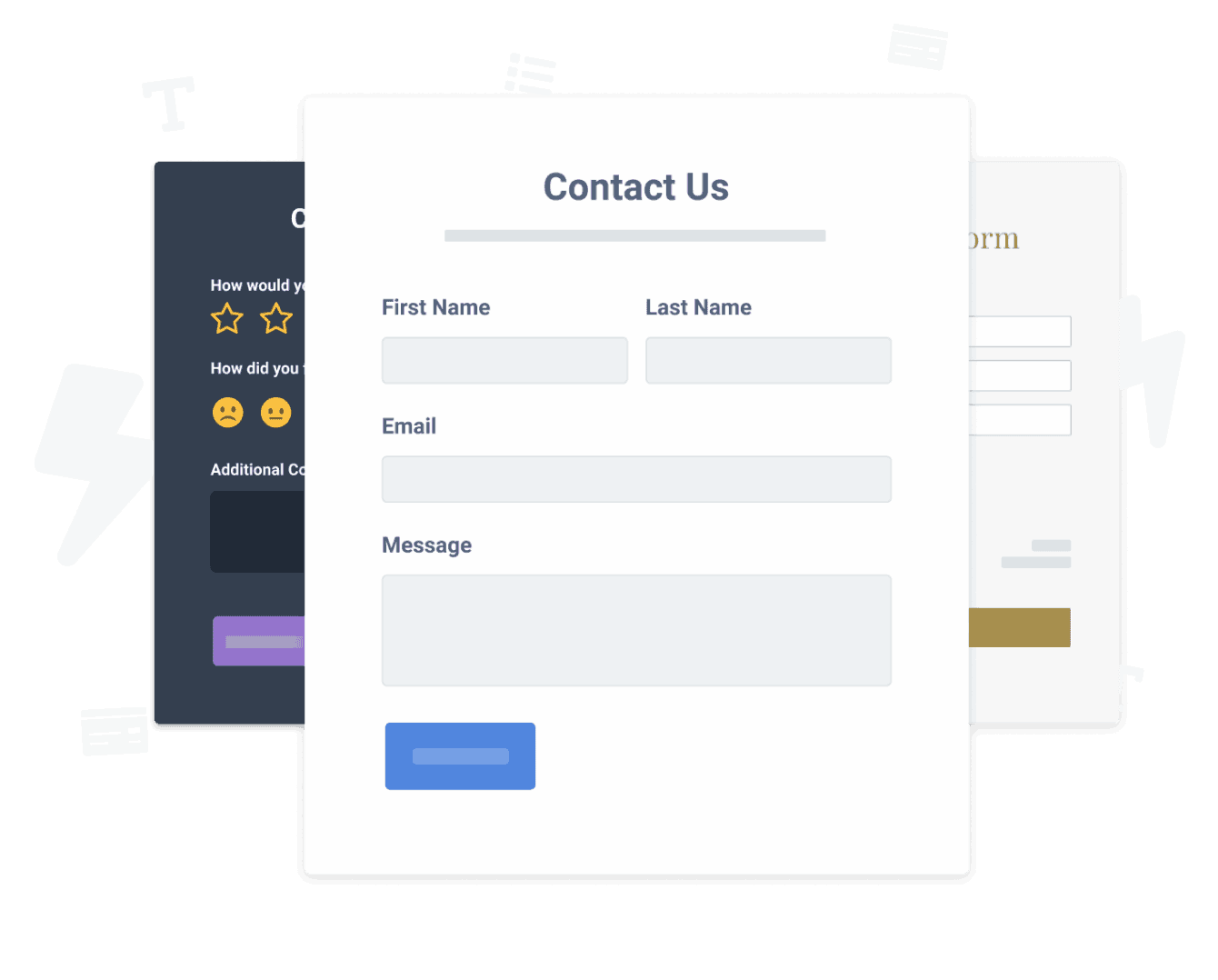

Warranty Form uygulamasını Webs sitenize yerleştirmek hiç bu kadar kolay olmamıştı
Özelleştirilmiş Warranty Form Webs uygulamanızı oluşturun, web sitenizin stiline ve renklerine uyun ve Warranty Form sayfanıza, yayına, kenar çubuğunuza, altbilginize veya istediğiniz herhangi bir yere Webs ekleyin bir site.
How To Add a Warranty Form App on Webs:
Create a Free Warranty Form App
Start for free nowWeb Editör'ü açın
Git sayfasına istediğiniz POWR eklemek için Warranty Form.Yeni Özel HTML
Bileşenler listesinde, Diğer gidin ve sayfanın üzerine bir Özel HTML öğesi sürükleyin.Yeni HTML Kutusu
Gri kutuyu çift tıklayın .Kodu Yapıştır
Bu kodu gri kutuya yapıştırın ve kaydedin .Başlayın özelleştirme bu Warranty Form app tam giriş the Webs website:
Git the canlı Webs web sayfası ve click Ayarlar Simgesi the Warranty Form app sayfasının sağ üst köşesi.
Need to know more about features and integrations of our Warranty Form app?
See the detailsRemove the Guesswork of Building Your Brand
Webs web sitenizi çalışır hale getirdiyseniz, işletmelerinizin çevrimiçi varlığını oluştururken ilk büyük zorluğun üstesinden geldiniz. tebrikler!

Bazı işletmeler önce try kendin yap (diy) Warranty Form ya da techie a Warranty Form inşa edebileceğini iddia eden bir “in 'no time'” sahibidir.
Ek olarak, Warranty Form öğesini özelleştirmek ve güncellemek daha fazla zaman gerektirir ve büyük olasılıkla yeni sorunlara veya hatalara neden olur.
Powr ölçek için tasarlandığından, mevcut en gelişmiş yerleşik güvenlik ve yüksek hacimli yeteneklere sahiptir.
Ayrıca, uzman mühendislerden oluşan ekibimiz, Webs Warranty Form cihazınız gibi powr uygulamalarının sizin için çalışmasını sağlamak için gece gündüz çalışır.
Hala find it unbelievable iseniz, take a look at el yapımı ahşap çerçeveler üreten bir güneş gözlüğü şirketi olan rbia shades'in creates sahip olduğu been able to create.



POWR apps are made to grow your online revenue.
See apps in action

Trusted by the best in the biz!
POWR has helped over a half million businesses on every continent
(besides Antarctica, because of course not)


Frequently Asked Questions
Learn more about how to add POWR apps to your website.
Yes, any POWR app will work perfectly on any website. What’s better, is the patented POWR Live Editor is the same regardless of the app.
- Easily add more than one (for free)
- Edit to your needs directly from your live site
- Changes are made instantly
Absolutely! The POWR Warranty Form widget is optimized for mobile, ensuring that it looks great and functions smoothly across all devices, including phones and tablets.
This optimization enhances user experience, contributing to higher engagement rates on your Webs site.
POWR Warranty Form allows you to edit every detail such as fonts, colors, borders, and spacing directly from the editor, ensuring your Warranty Form perfectly match your brand's identity.
This flexibility makes it easy to integrate and align with your site's look and feel.
Adding Warranty Form to your Webs site is fully outlined above and straightforward with no coding required.
Simply follow POWR's setup guide, which is as easy as copy/pasting the provided code snippet into your site's HTML.
This ease of installation makes it convenient for Webs site owners to implement Warranty Form and gather feedback from their audience.
Using POWR Warranty Form on your Webs site offers numerous benefits, including enhanced customization options and easy installation without coding.
These features help improve your site's user engagement by allowing visitors to provide valuable feedback, leading to better online growth.