Free Tabs Templates
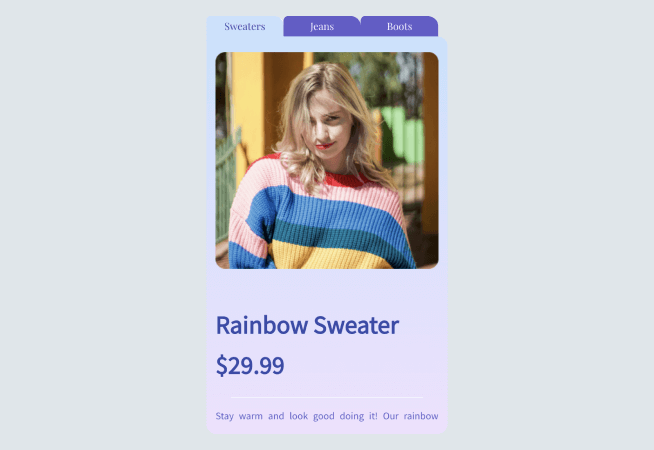
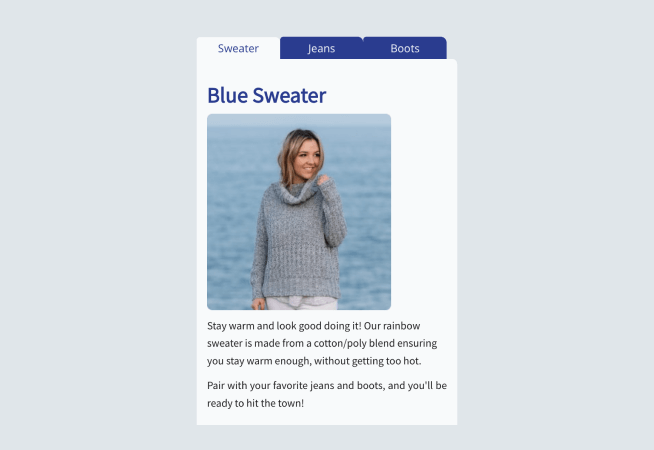
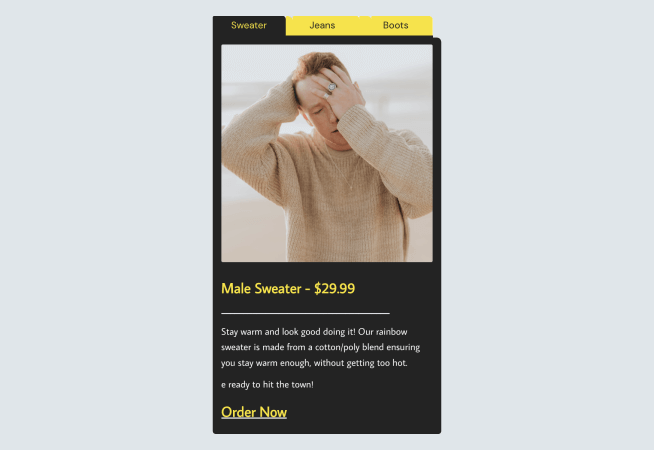
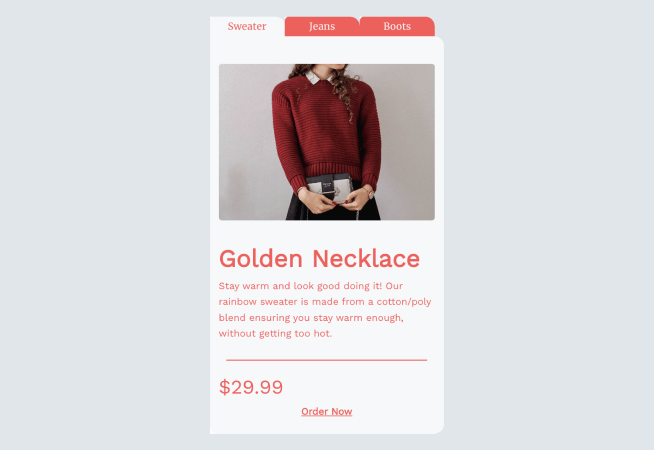
All the free Tabs templates you need, nothing you don’t. Choose your Tabs template in seconds, edit and publish in minutes. Our Tabs templates are pre-built by in-house design professionals to save you time.
When we said any website, we meant it
Find our Tabs in any app market, site builder, or just grab the automated embed code and install it directly!


Frequently Asked Questions
Do I need Tabs on my website?
Every site visitor expects a particular experience when they enter your website. This is commonly known as UI/UX or User Interface/User Experience.
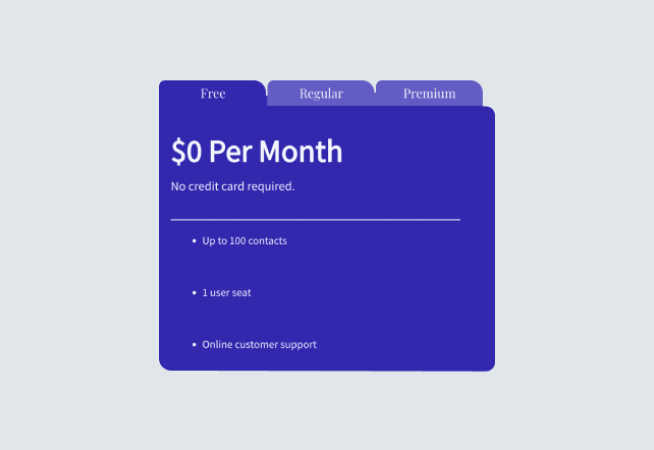
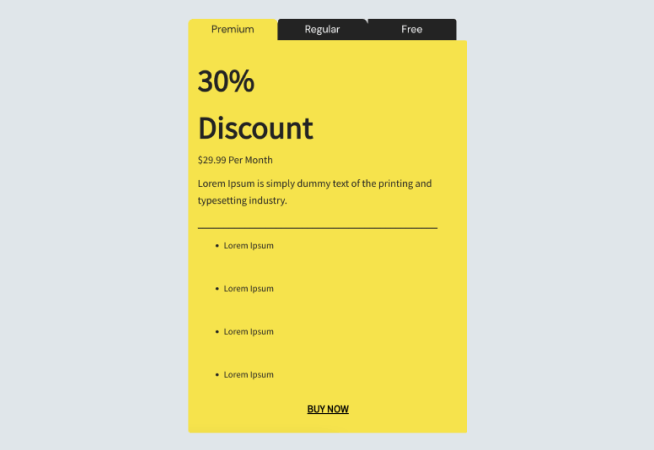
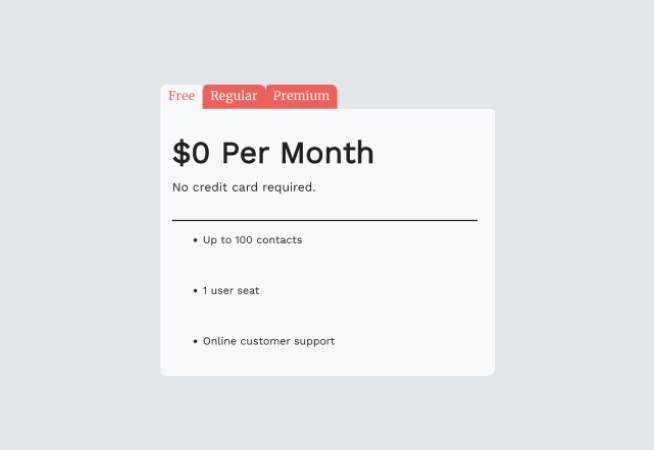
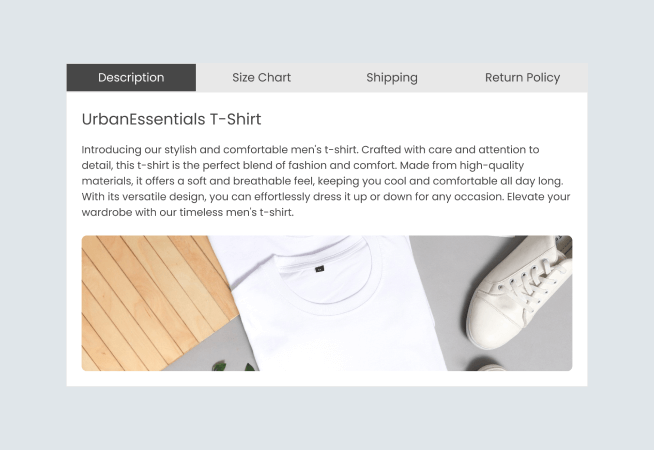
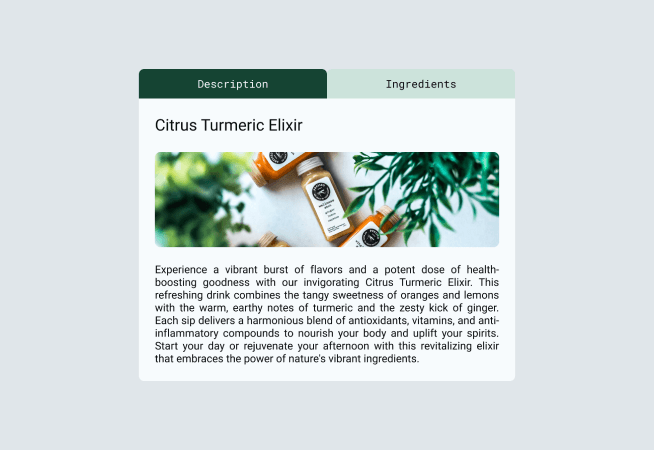
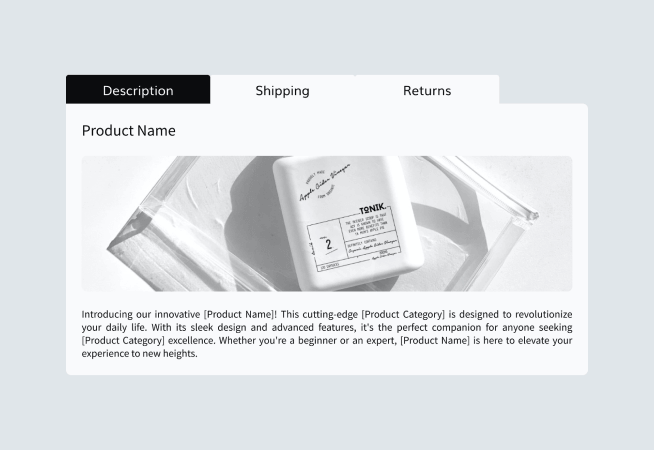
The first thing someone expects upon arriving is an organized layout. That is accomplished most easily with a neat row of tabs that are clearly labeled, just like a filing cabinet in real life. When you think about it, that’s exactly what a website is… a digital filing cabinet of sorts.
Tabs divide content meaningfully while occupying less screen space. Users can easily access the content that they are interested in rather than having all the content in paragraphs.
What is the best layout for Tabs?
It will largely depend on several things that are unique to your business, but there are a few best practices any business owner can follow:
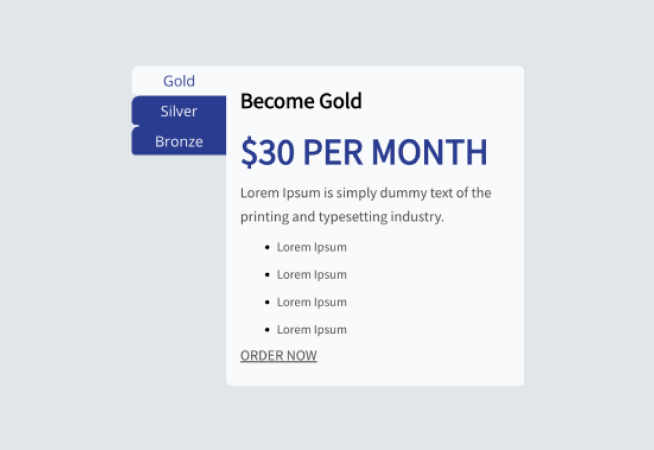
- Tabs generally go at the top of the page, but in recent years, there is evidence to show that they also perform well down the left side of the page.
- Don’t stack rows of tabs on top of one another. It doesn’t look professional, and it can quickly get cluttered and difficult to follow. You don’t want a potential customer to leave your site because it’s confusing.
- Use short tab names.
- Arrange tabs so that they will make sense to the user.
Can I improve my sales with the use of Tabs?
Of course! Anytime site visitors can find what they’re looking for quickly, they tend to buy more frequently; and more than once.
Also, if you use tabs to group your products in a complementary fashion, you will see more multiple-item purchases as well.
Is installing the POWR Tabs app difficult and time-consuming?
The time-consuming part is up to you. It will depend on how many tabs you’d like to create and how much customization you’d like to do to them. It is a best practice to put ample thought and attention into what you want to communicate to your site visitors with your tabs. One thing that is without question is how important tabs can be to your overall content marketing strategy.
POWR has more than 3,000 5-star reviews as a testament to how easy all our website apps are to create and install. The process is simple and intuitive. You will be led step by step in the POWR Editor until your tabs are customized and completed to your specifications.
Join other POWR Heroes today!
More than 18 million POWR apps exist on websites worldwide. Get started with one-click signup. No contracts and no credit card required.
Get started for free