Free Multi Slider Templates
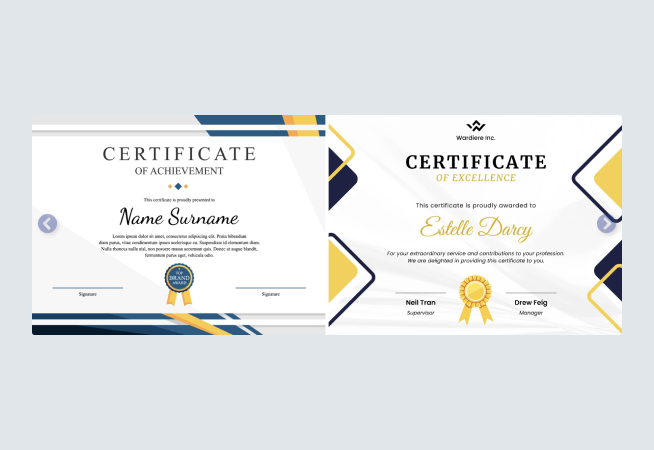
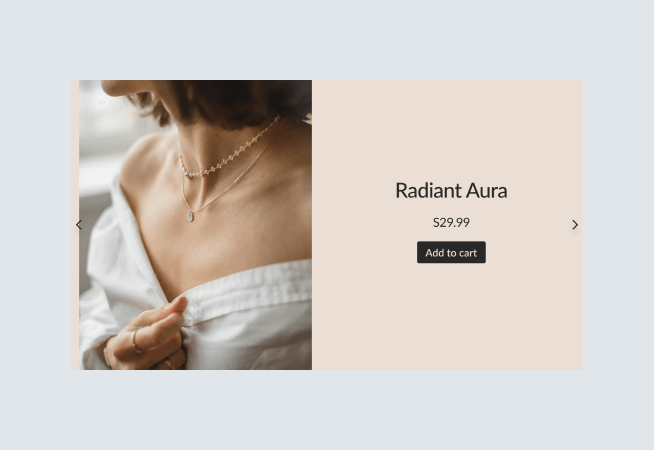
All the free Multi Slider templates you need, nothing you don’t. Choose your Multi Slider template in seconds, edit and publish in minutes. Our Multi Slider templates are pre-built by in-house design professionals to save you time.
When we said any website, we meant it
Find our Multi Slider in any app market, site builder, or just grab the automated embed code and install it directly!


Frequently Asked Questions
What is a multi-slider?
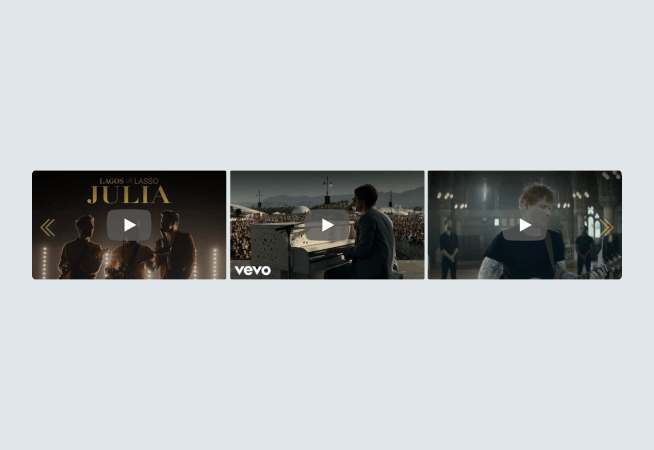
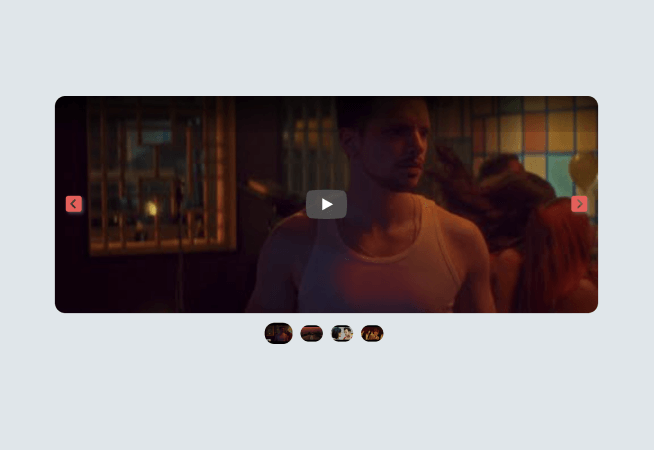
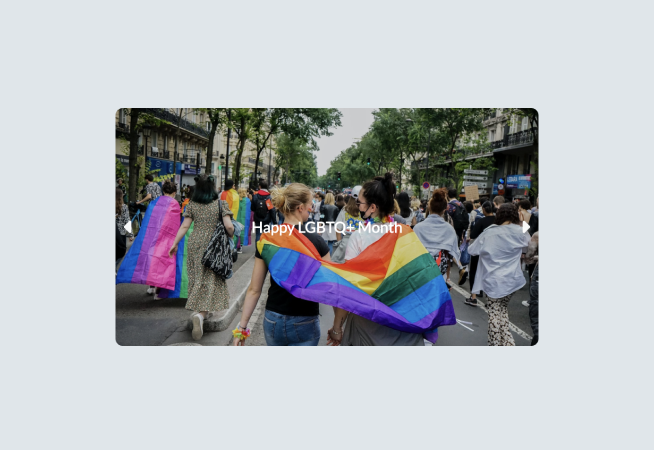
A multi-media slider is a slider that displays videos and images on your website. They can cover any topic and even show messages you wish to relay to your customers, such as existing deals or promotions.
You can choose to display your own multimedia, upload on your website from your local files, or get videos from your YouTube or Vimeo accounts to add to the slider.
What are the benefits of a multi-slider?
Multi-media sliders can increase sales and engagement through a visually appealing display of content, giving you a powerful website that converts visitors into customers. Here are some benefits of adding one to your site:
- Increased Conversions
- Better Engagement
- Prettier Websites
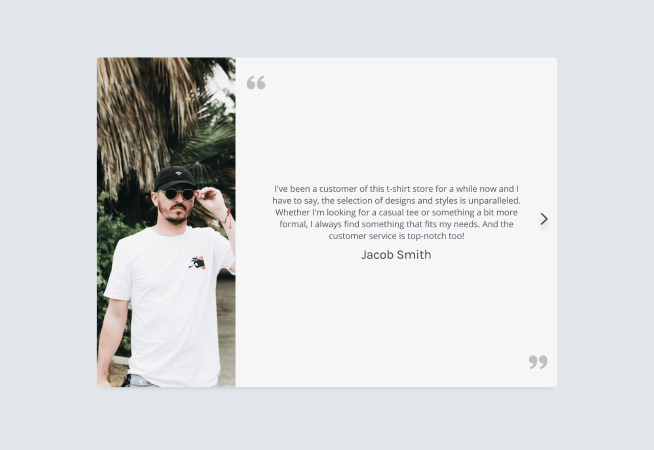
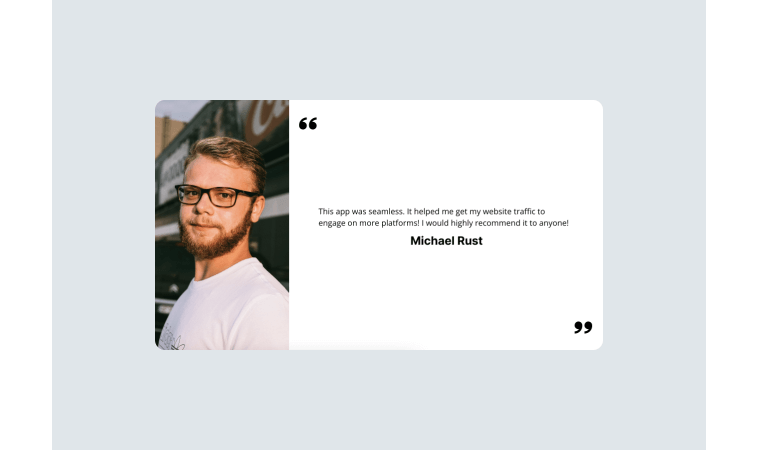
A multi-media slider can show customers your ongoing promotions, encouraging them to buy into good deals. If you use them to display testimonials, you’re also building confidence and trust in your brand or products, giving users more reasons to check out.
A multi-slider helps customers visualize the benefits they’ll get from your product or service; with a compelling call-to-action displayed, they can even lead your users to engage with your site even more.
With a visually-appealing slider of videos and images, you can enhance the overall look of your site. You can customize it how you want, matching fonts, colors, and aesthetics with your website design for a seamless look.
What can I use a multi-media slider for?
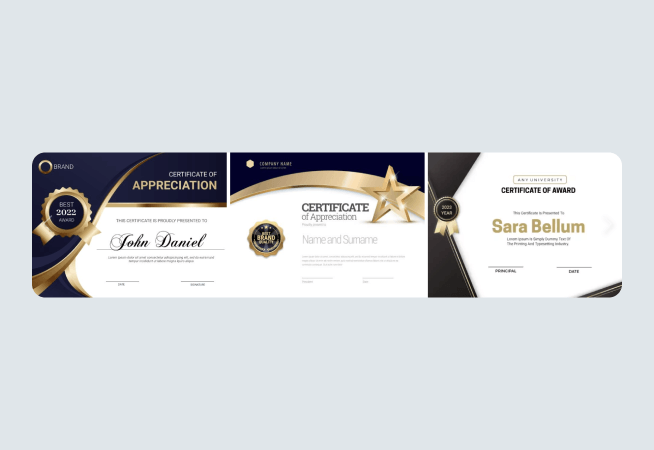
Multi-sliders are more than just slideshows; they can serve several purposes depending on how you design them. You can use them for testimonials, promos, logos, product use videos, FAQs, and more.
How do I add other elements to my multi-media slider?
With POWR’s free multimedia slider app, you get great customization tools, including advanced options. To add different videos, photos, logos, and text, you can drag and drop these elements into your intended areas, customizing the look.
You can even add links and buttons, and the best part is that you can do all of this without having to write a single line of code—all thanks to POWR.
How do I enable my multi-media slider?
When you’re ready to publish your POWR multi-slider, choose whether you want to enable auto-play. You can do this by going to the Editor, then to ‘Design’, then ‘Video Options.’
From here, you can set autoplay on the first video and all the following clips. You can now automatically share it to your website, embed it with a code, or share it with your followers in just a few more clicks!
How do I protect my media in a multi-slider?
When displaying your content online, it can be difficult to protect because people can save it. But with POWR’s multi-media slider, you don’t have to worry–you can enable image protection, which prevents people from right-clicking on your media to copy them.
Join other POWR Heroes today!
More than 18 million POWR apps exist on websites worldwide. Get started with one-click signup. No contracts and no credit card required.
Get started for free