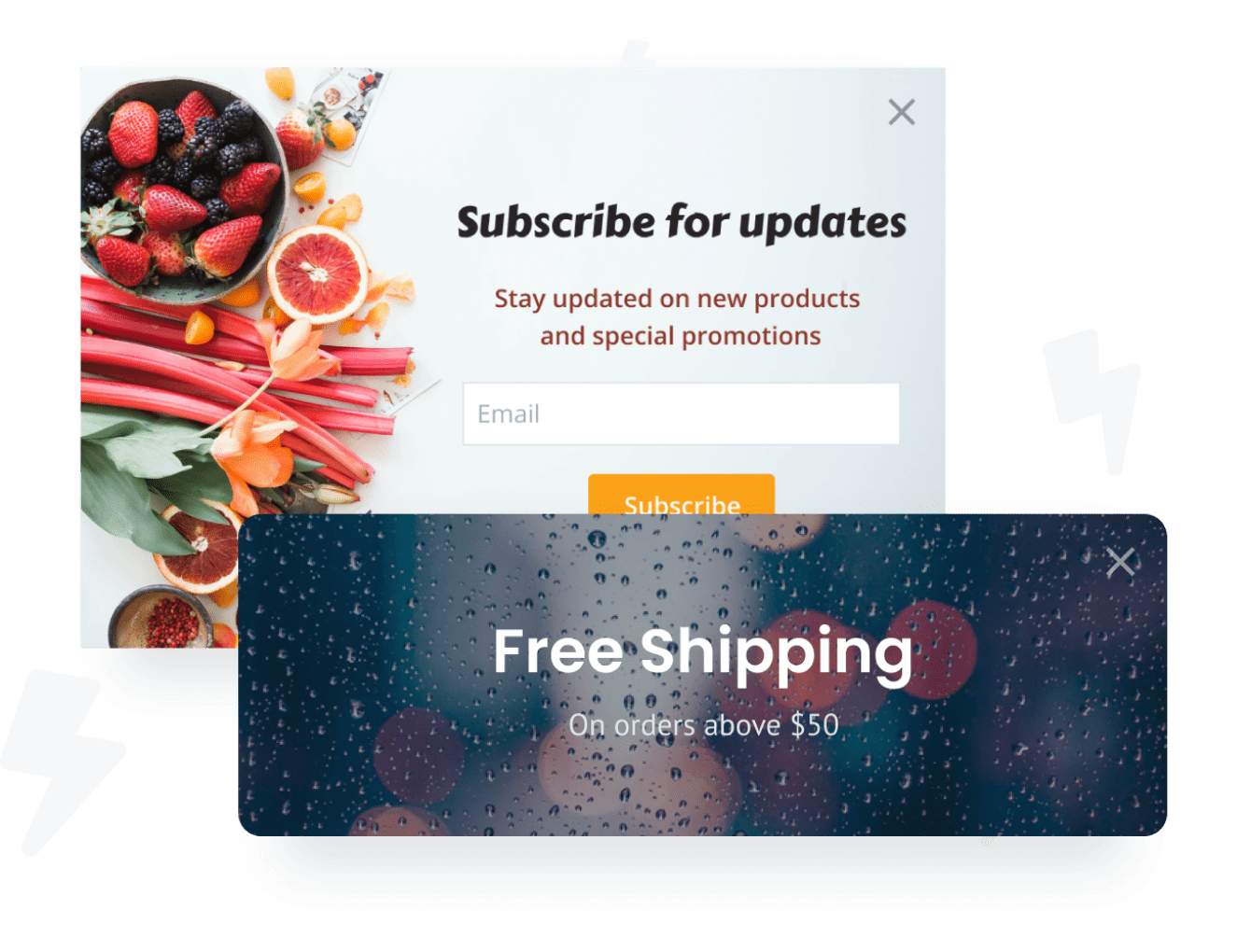

Incorporar o aplicativo Popup Notification ao site LightCMS nunca foi tão fácil
Crie seu aplicativo Popup Notification LightCMS personalizado, combine com o estilo e as cores do seu site e adicione Popup Notification à sua página, postagem, barra lateral, rodapé ou onde você quiser no seu LightCMS local.
How To Add a Popup Notification App on LightCMS:
Create a Free Popup Notification App
Start for free nowCopiar código HTML
Your code block will be available once you create your app
Clique para Adicionar elemento de código no editor LightCMS
Em seu editor do LightCMS, navegue até a página onde você deseja adicionar o POWR Popup Notification e clique no botão "+ ADD". Adicione um elemento de código à sua página e clique no botão "Código" acima do elemento para alterar as configurações.Incorporar e colar no elemento de código
Cole seu código na página Basic Code Setting.Salvar e visualizar Popup Notification
Popup Notification deve aparecer em sua página automaticamente. Se não estiver visível, clique em Configurações de código e atualize mais uma vez.
Undecided if our Popup Notification app will suit your needs? We have all the details you need.
See the detailsRemove the Guesswork of Building Your Brand
Congratulations on getting your business online with LightCMS!


Algumas empresas primeiro try um faça você mesmo (faça você mesmo) Popup Notification ou têm um “techie” que afirma que pode construir a Popup Notification in 'no time'.
Além disso, personalizar e atualizar o Popup Notification requer ainda mais tempo e pode causar novos problemas ou bugs.
Como o powr foi desenvolvido para ser dimensionado, ele possui a segurança integrada mais avançada e os recursos de alto volume disponíveis.

Além disso, nossa equipe de engenheiros especialistas trabalha noite e dia para manter os aplicativos powr como seu LightCMS Popup Notification trabalhando para você.
Se você ainda have questions, então take a look at o que a rbia shades, uma empresa de óculos de sol que designs molduras de madeira feitas à mão, tem been able to create.



Yes, POWR has an app for that.
See apps in action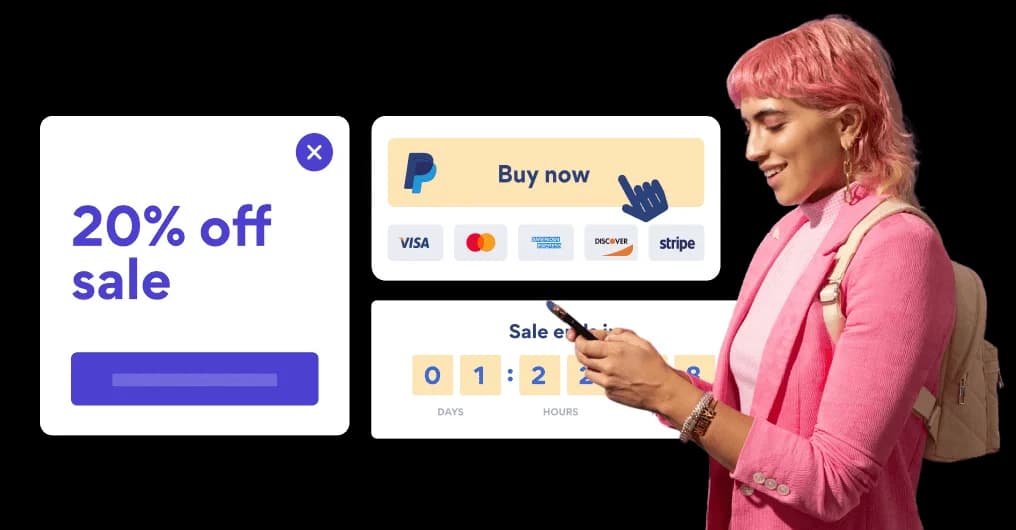

Trusted by the best in the biz!
POWR has helped over a half million businesses on every continent
(besides Antarctica, because of course not)


Frequently Asked Questions
Learn more about how to add POWR apps to your website.
Yes, any POWR app will work perfectly on any website. What’s better, is the patented POWR Live Editor is the same regardless of the app.
- Easily add more than one (for free)
- Edit to your needs directly from your live site
- Changes are made instantly
Absolutely! The POWR Popup Notification widget is optimized for mobile, ensuring that it looks great and functions smoothly across all devices, including phones and tablets.
This optimization enhances user experience, contributing to higher engagement rates on your LightCMS site.
POWR Popup Notification allows you to edit every detail such as fonts, colors, borders, and spacing directly from the editor, ensuring your Popup Notification perfectly match your brand's identity.
This flexibility makes it easy to integrate and align with your site's look and feel.
Adding Popup Notification to your LightCMS site is fully outlined above and straightforward with no coding required.
Simply follow POWR's setup guide, which is as easy as copy/pasting the provided code snippet into your site's HTML.
This ease of installation makes it convenient for LightCMS site owners to implement Popup Notification and gather feedback from their audience.
Using POWR Popup Notification on your LightCMS site offers numerous benefits, including enhanced customization options and easy installation without coding.
These features help improve your site's user engagement by allowing visitors to provide valuable feedback, leading to better online growth.