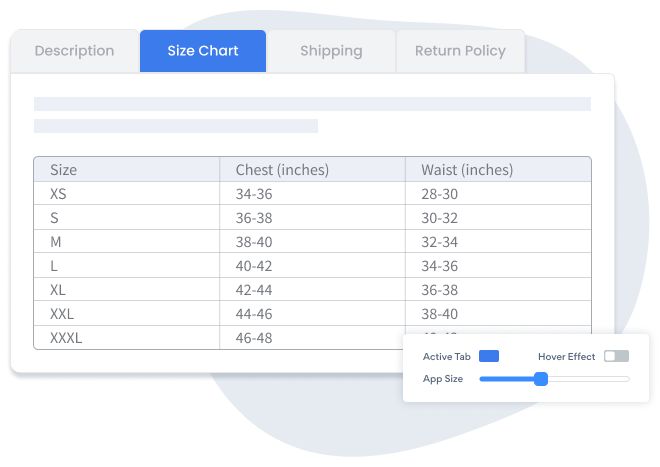

Het insluiten van Product Information Tabs app op uw Ning site is nog nooit zo eenvoudig geweest
Maak uw aangepaste Product Information Tabs Ning - app, pas de stijl en kleuren van uw website aan en voeg Product Information Tabs toe aan uw Ning pagina, bericht, zijbalk, voettekst of waar u maar wilt op uw site.
How To Add a Product Information Tabs App on Ning:
Create a Free Product Information Tabs App
Start for free nowStart de aangepaste code-editor
Plak dit script in het gedeelteCode. Scroll naar beneden om op te slaan . Plak het script in de sectie
Schakel over naar de HTML-editor zodra u een forum-, artikel- of blogbericht hebt geopend.U ziet de plug-in POWR Product Information Tabs
Om edit uw Product Information Tabs op Ning:
Ga naar the live Ning webpagina en click het Settings Icon in de rechterbovenhoek van the Product Information Tabs app.
All you need to know about our Product Information Tabs app is just a click away.
See the detailsRemove the Guesswork of Building Your Brand
Als uw Ning website actief is, heeft u de eerste grote uitdaging overwonnen bij het opbouwen van de online aanwezigheid van uw bedrijf. gefeliciteerd!


Sommige bedrijven try eerst een doe-het-zelf (diy) Product Information Tabs of hebben een "computer guru" die beweert dat hij/zij a Product Information Tabs in 'no time' kan bouwen.
Bovendien kost het aanpassen en bijwerken van de Product Information Tabs nog meer tijd en zal dit waarschijnlijk nieuwe problemen of bugs veroorzaken.

Omdat powr is gebouwd voor schaalbaarheid, beschikt het over de meest geavanceerde ingebouwde beveiliging en mogelijkheden voor grote volumes.

Bovendien werkt ons team van deskundige ingenieurs dag en nacht om powr-apps zoals uw Ning Product Information Tabs voor u te laten werken.
Als je nog steeds find it unbelievable, dan take a look at wat rbia shades, een zonnebrillenbedrijf dat crafts handgemaakte houten monturen heeft, seen in their business heeft.



All POWR apps are built for peak-performance.
See apps in action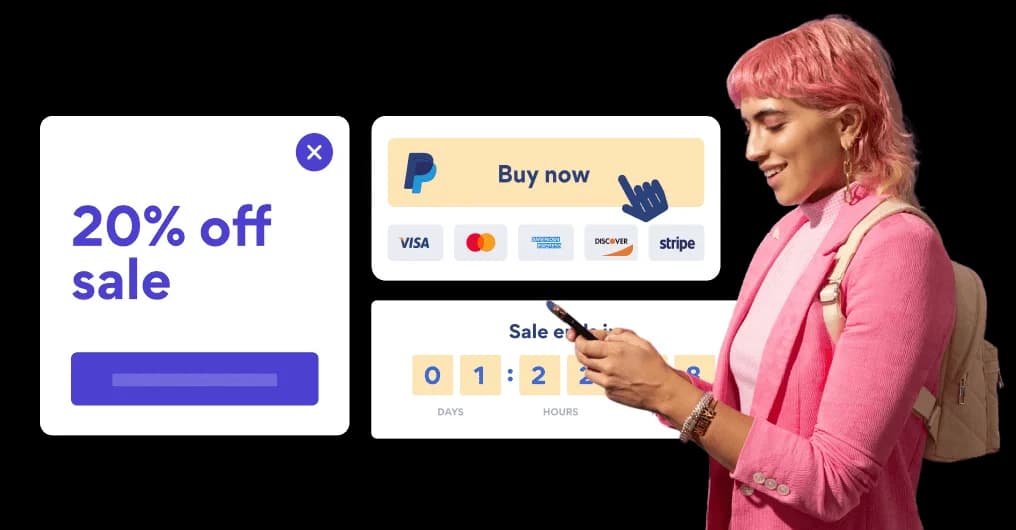

Trusted by the best in the biz!
POWR has helped over a half million businesses on every continent
(besides Antarctica, because of course not)


Frequently Asked Questions
Learn more about how to add POWR apps to your website.
Yes, any POWR app will work perfectly on any website. What’s better, is the patented POWR Live Editor is the same regardless of the app.
- Easily add more than one (for free)
- Edit to your needs directly from your live site
- Changes are made instantly
Absolutely! The POWR Product Information Tabs widget is optimized for mobile, ensuring that it looks great and functions smoothly across all devices, including phones and tablets.
This optimization enhances user experience, contributing to higher engagement rates on your Ning site.
POWR Product Information Tabs allows you to edit every detail such as fonts, colors, borders, and spacing directly from the editor, ensuring your Product Information Tabs perfectly match your brand's identity.
This flexibility makes it easy to integrate and align with your site's look and feel.
Adding Product Information Tabs to your Ning site is fully outlined above and straightforward with no coding required.
Simply follow POWR's setup guide, which is as easy as copy/pasting the provided code snippet into your site's HTML.
This ease of installation makes it convenient for Ning site owners to implement Product Information Tabs and gather feedback from their audience.
Using POWR Product Information Tabs on your Ning site offers numerous benefits, including enhanced customization options and easy installation without coding.
These features help improve your site's user engagement by allowing visitors to provide valuable feedback, leading to better online growth.