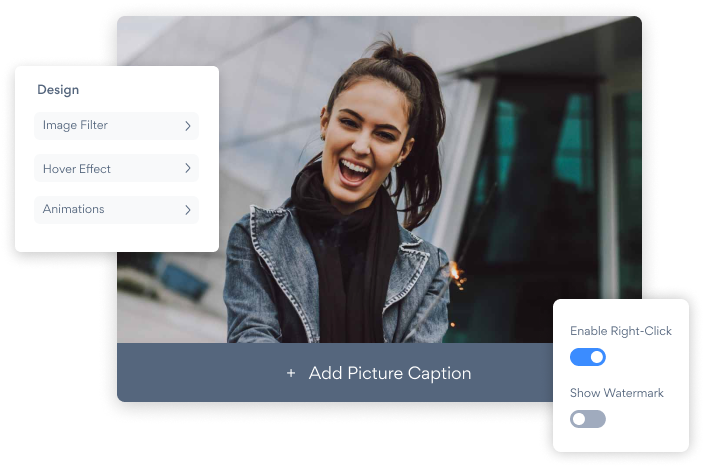

将Foto filter应用程序嵌入到您的Squarespace网站上从未如此简单
创建自定义的Foto filter Squarespace应用,匹配网站的样式和颜色,并将Foto filter添加到Squarespace页面,帖子,侧边栏,页脚或您喜欢的任何位置现场。
How To Add a Foto filter App on Squarespace:
Create a Free Foto filter App
Start for free nowEmbed POWR Foto filter to your Squarespace
5. Copy and paste the Share App link ⬅. Adjust the embedded app, and click SAVE in the upper left corner. 1. Navigate to the Squarespace editor by clicking on the EDIT located in the upper left corner.- 1. Click on the blue Edit app icon seen above the app.
2. All edits in the opened POWR Editor will be automatically applied.
Not sure if our Foto filter app is right for you? Find out more about its features and integrations.
See the detailsRemove the Guesswork of Building Your Brand
Brand Identity Begins With a Great Website
If you have your Squarespace website working, you’ve tackled the biggest challenge in building an online presence. Awesome!
But next comes the hard part: how can you draw in, captivate, turn, and support more visitors?


Then You Must Customize Your Elements
Some may think only a 'techie' in the office or a self-proclaimed 'expert' on Facebook can expand a Foto filter without a hitch.
Others look for low-cost alternative Foto filter apps from overseas or open source Foto filter apps that claim to have what they're looking for.
Reduce Time Spent by Half With POWR
And it takes tons of time to customize and update a Foto filter app, which will create more bugs.
But, if you haven't built a strong security system, your business could be prone to hacking and other security issues. We thought of that!


Because POWR is built for scale, has the most advanced built-in security and high-volume capabilities of any other Foto filter app on the market, we protect you while you grow on Squarespace.

CASE STUDY: Rbia Shades wins big with POWR
Rbia Shades needed to expand beyond its region by bringing its products online. They needed a low-maintenance, non-techie solution.
After much research, they chose POWR as their no-code tool of choice.
Rbia grew its contact list by 250% using POWR Popup to collect new email addresses from first-time site visitors.
They also added POWR Social Feed to their site and saw a 200% spike in engagement from their site visitors. They also saw a big jump in social media followers and now have over 11K followers on Instagram.



POWR apps are made to grow your online revenue.
See apps in action

Trusted by the best in the biz!
POWR has helped over a half million businesses on every continent
(besides Antarctica, because of course not)


Frequently Asked Questions
Learn more about how to add POWR apps to your website.
Yes, any POWR app will work perfectly on any website. What’s better, is the patented POWR Live Editor is the same regardless of the app.
- Easily add more than one (for free)
- Edit to your needs directly from your live site
- Changes are made instantly
Absolutely! The POWR Foto filter widget is optimized for mobile, ensuring that it looks great and functions smoothly across all devices, including phones and tablets.
This optimization enhances user experience, contributing to higher engagement rates on your Squarespace site.
POWR Foto filter allows you to edit every detail such as fonts, colors, borders, and spacing directly from the editor, ensuring your Foto filter perfectly match your brand's identity.
This flexibility makes it easy to integrate and align with your site's look and feel.
Adding Foto filter to your Squarespace site is fully outlined above and straightforward with no coding required.
Simply follow POWR's setup guide, which is as easy as copy/pasting the provided code snippet into your site's HTML.
This ease of installation makes it convenient for Squarespace site owners to implement Foto filter and gather feedback from their audience.
Using POWR Foto filter on your Squarespace site offers numerous benefits, including enhanced customization options and easy installation without coding.
These features help improve your site's user engagement by allowing visitors to provide valuable feedback, leading to better online growth.