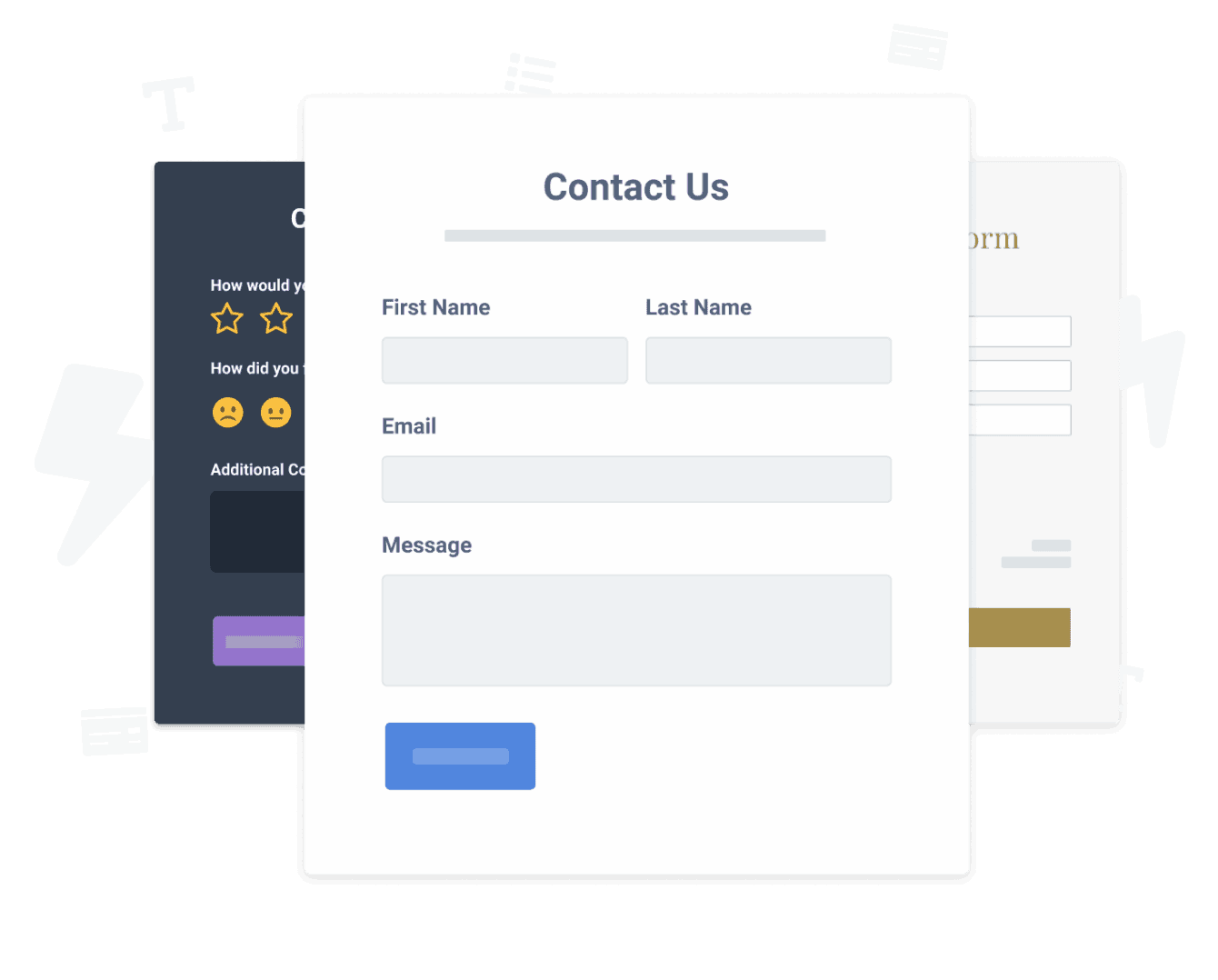

Встраивание приложения Payment Request Form на ваш сайт AmeriCommerce никогда не было проще
Создайте свое собственное приложение Payment Request Form AmeriCommerce, подберите стиль и цвета своего веб-сайта и добавьте Payment Request Form на свою страницу AmeriCommerce, пост, боковую панель, нижний колонтитул или где угодно на своем сайт.
How To Add a Payment Request Form App on AmeriCommerce:
Create a Free Payment Request Form App
Start for free nowСкопировать код
Your code block will be available once you create your app
Выберите страницу / сообщение
На панели инструментов AmeriCommerce перейдите на страницу, на которой вы хотите добавить POWR Payment Request Form.Вставить код
1. В разделе « Содержимое страницы» нажмите кнопку <> , чтобы включить HTML.Просмотр страницы
Просмотрите страницу в реальном времени, чтобы увидеть POWR Payment Request Form в действии. Примечание . Синий значок « Редактировать», показанный выше Payment Request Form, будет виден только вам как владельцу плагина.
Not sure if our Payment Request Form app is right for you? Find out more about its features and integrations.
See the detailsRemove the Guesswork of Building Your Brand
Если ваш веб-сайт AmeriCommerce запущен и работает, вы преодолели первую серьезную проблему на пути к расширению присутствия своего бизнеса в интернете. поздравляю!


Некоторые компании сначала take a stab at делают все своими руками (diy) Payment Request Form или имеют «techie», который утверждает, что он / она может построить a Payment Request Form in 'no time'.
Кроме того, настройка и обновление Payment Request Form требует еще больше времени и может вызвать новые проблемы или ошибки.
Поскольку powr рассчитан на масштабирование, он имеет самые передовые встроенные средства безопасности и доступные возможности большого объема.
Кроме того, наша команда опытных инженеров работает круглосуточно, чтобы приложения powr, такие как ваш AmeriCommerce Payment Request Form, работали на вас.
Если вы все еще have questions, то take a look at то, что есть у rbia shades, компании по производству солнцезащитных очков, designs ручной работы в деревянных рамах, seen in their business.



POWR apps are made to grow your online revenue.
See apps in action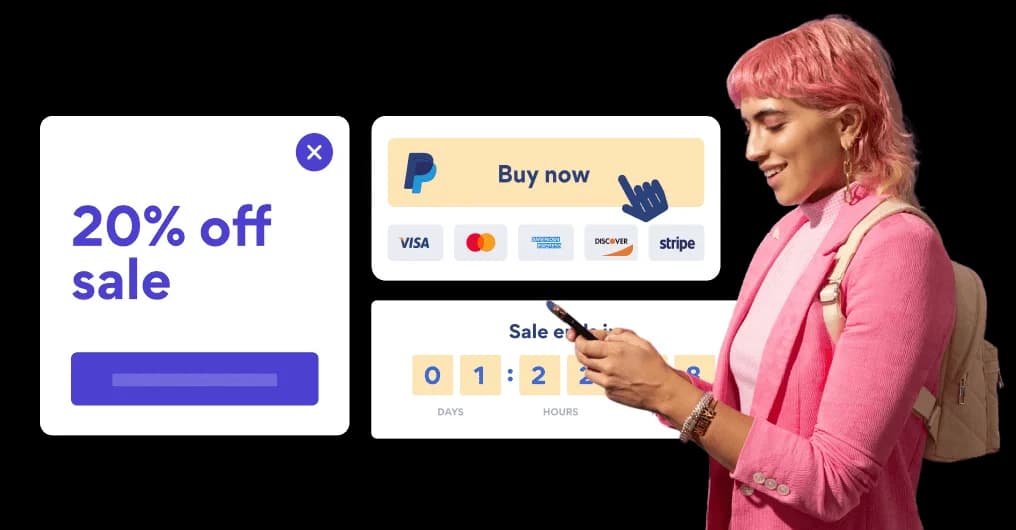

Trusted by the best in the biz!
POWR has helped over a half million businesses on every continent
(besides Antarctica, because of course not)


Frequently Asked Questions
Learn more about how to add POWR apps to your website.
Yes, any POWR app will work perfectly on any website. What’s better, is the patented POWR Live Editor is the same regardless of the app.
- Easily add more than one (for free)
- Edit to your needs directly from your live site
- Changes are made instantly
Absolutely! The POWR Payment Request Form widget is optimized for mobile, ensuring that it looks great and functions smoothly across all devices, including phones and tablets.
This optimization enhances user experience, contributing to higher engagement rates on your AmeriCommerce site.
POWR Payment Request Form allows you to edit every detail such as fonts, colors, borders, and spacing directly from the editor, ensuring your Payment Request Form perfectly match your brand's identity.
This flexibility makes it easy to integrate and align with your site's look and feel.
Adding Payment Request Form to your AmeriCommerce site is fully outlined above and straightforward with no coding required.
Simply follow POWR's setup guide, which is as easy as copy/pasting the provided code snippet into your site's HTML.
This ease of installation makes it convenient for AmeriCommerce site owners to implement Payment Request Form and gather feedback from their audience.
Using POWR Payment Request Form on your AmeriCommerce site offers numerous benefits, including enhanced customization options and easy installation without coding.
These features help improve your site's user engagement by allowing visitors to provide valuable feedback, leading to better online growth.