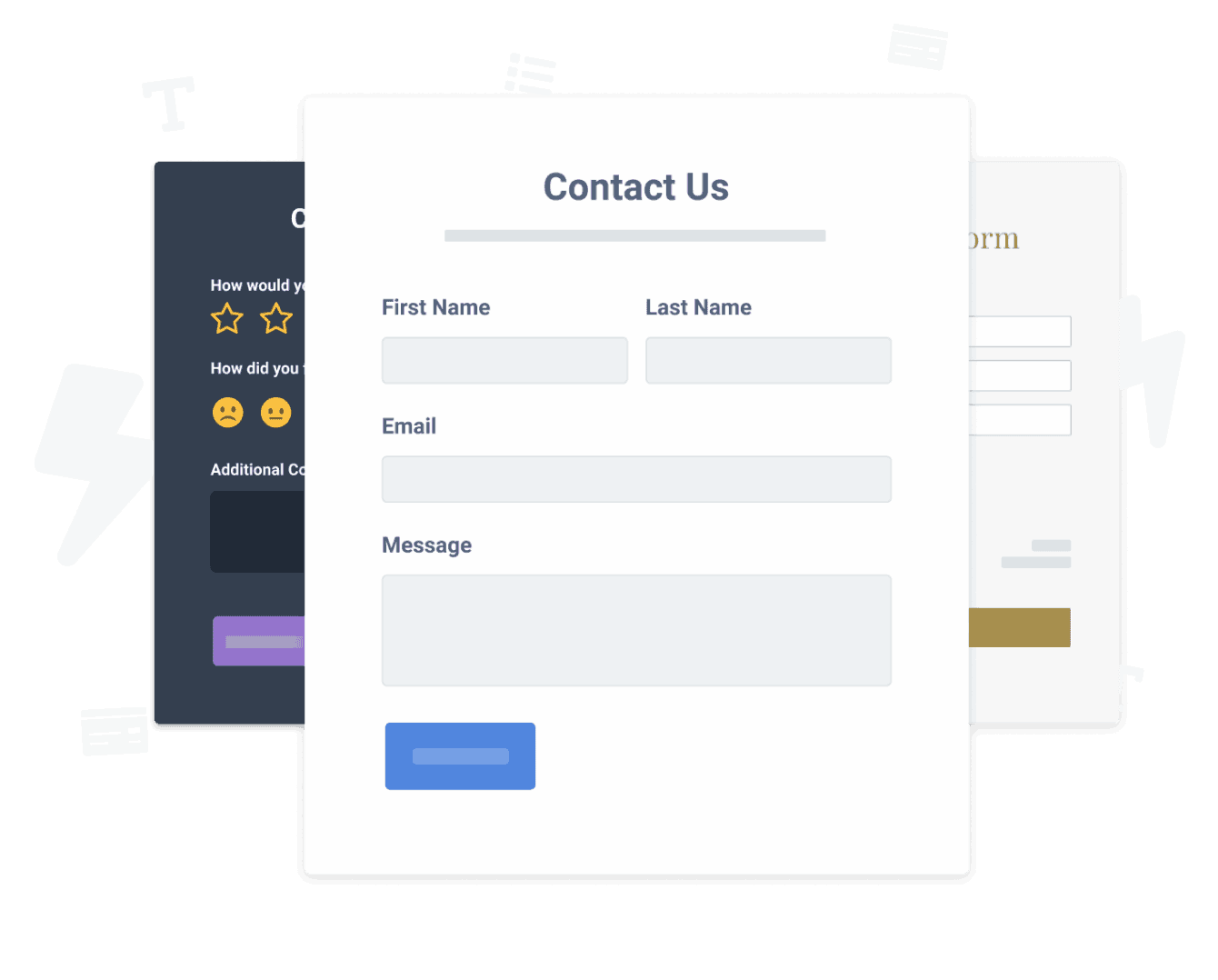

L'intégration de l'application leadcapture sur votre Omnisend site n'a jamais été aussi simple
Créez votre application leadcapture Omnisend personnalisée, associez le style et les couleurs de votre site web, et ajoutez leadcapture à votre Omnisend page, message, barre latérale, pied de page ou à l'endroit de votre choix sur votre site.
How To Add a leadcapture App on Omnisend:
Create a Free leadcapture App
Start for free nowCopiez le code ci-dessous
Your code block will be available once you create your app
Ouvrez la campagne e-mail omnisend pour ajouter une image de votre powr leadcapture.
1. ouvrez votre campagne d'e-mail à laquelle vous souhaitez ajouter votre leadcapture.
Not sure if our leadcapture app is right for you? Find out more about its features and integrations.
See the detailsRemove the Guesswork of Building Your Brand
Si votre site web Omnisend est opérationnel, vous avez relevé le premier grand défi consistant à renforcer la présence en ligne de votre entreprise. toutes nos félicitations!

Certaines entreprises commencent par take a stab at un bricolage leadcapture ou ont un « computer guru » qui prétend pouvoir construire a leadcapture in 'no time'.
De plus, la personnalisation et la mise à jour de leadcapture nécessitent encore plus de temps et sont susceptibles de provoquer de nouveaux problèmes ou bogues.
Parce que powr est conçu pour évoluer, il dispose de la sécurité intégrée la plus avancée et des capacités à haut volume disponibles.
De plus, notre équipe d'ingénieurs experts travaille nuit et jour pour que les applications powr comme votre Omnisend leadcapture travaillent pour vous.
Si vous continuez have questions, alors take a look at ce que rbia shades, une entreprise de lunettes de soleil qui creates des cadres en bois faits à la main, a been able to create.



POWR apps are made to grow your online revenue.
See apps in action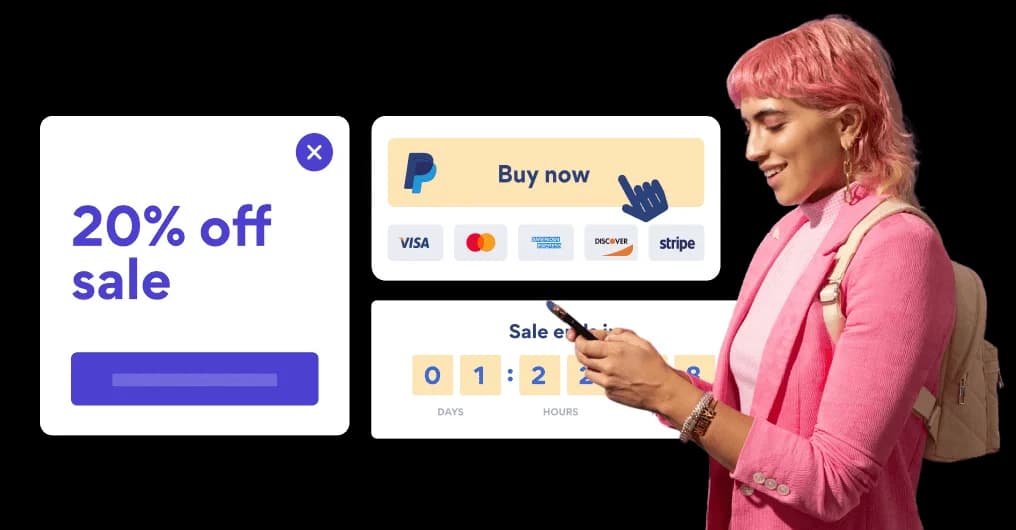

Trusted by the best in the biz!
POWR has helped over a half million businesses on every continent
(besides Antarctica, because of course not)


Frequently Asked Questions
Learn more about how to add POWR apps to your website.
Yes, any POWR app will work perfectly on any website. What’s better, is the patented POWR Live Editor is the same regardless of the app.
- Easily add more than one (for free)
- Edit to your needs directly from your live site
- Changes are made instantly
Absolutely! The POWR leadcapture widget is optimized for mobile, ensuring that it looks great and functions smoothly across all devices, including phones and tablets.
This optimization enhances user experience, contributing to higher engagement rates on your Omnisend site.
POWR leadcapture allows you to edit every detail such as fonts, colors, borders, and spacing directly from the editor, ensuring your leadcapture perfectly match your brand's identity.
This flexibility makes it easy to integrate and align with your site's look and feel.
Adding leadcapture to your Omnisend site is fully outlined above and straightforward with no coding required.
Simply follow POWR's setup guide, which is as easy as copy/pasting the provided code snippet into your site's HTML.
This ease of installation makes it convenient for Omnisend site owners to implement leadcapture and gather feedback from their audience.
Using POWR leadcapture on your Omnisend site offers numerous benefits, including enhanced customization options and easy installation without coding.
These features help improve your site's user engagement by allowing visitors to provide valuable feedback, leading to better online growth.