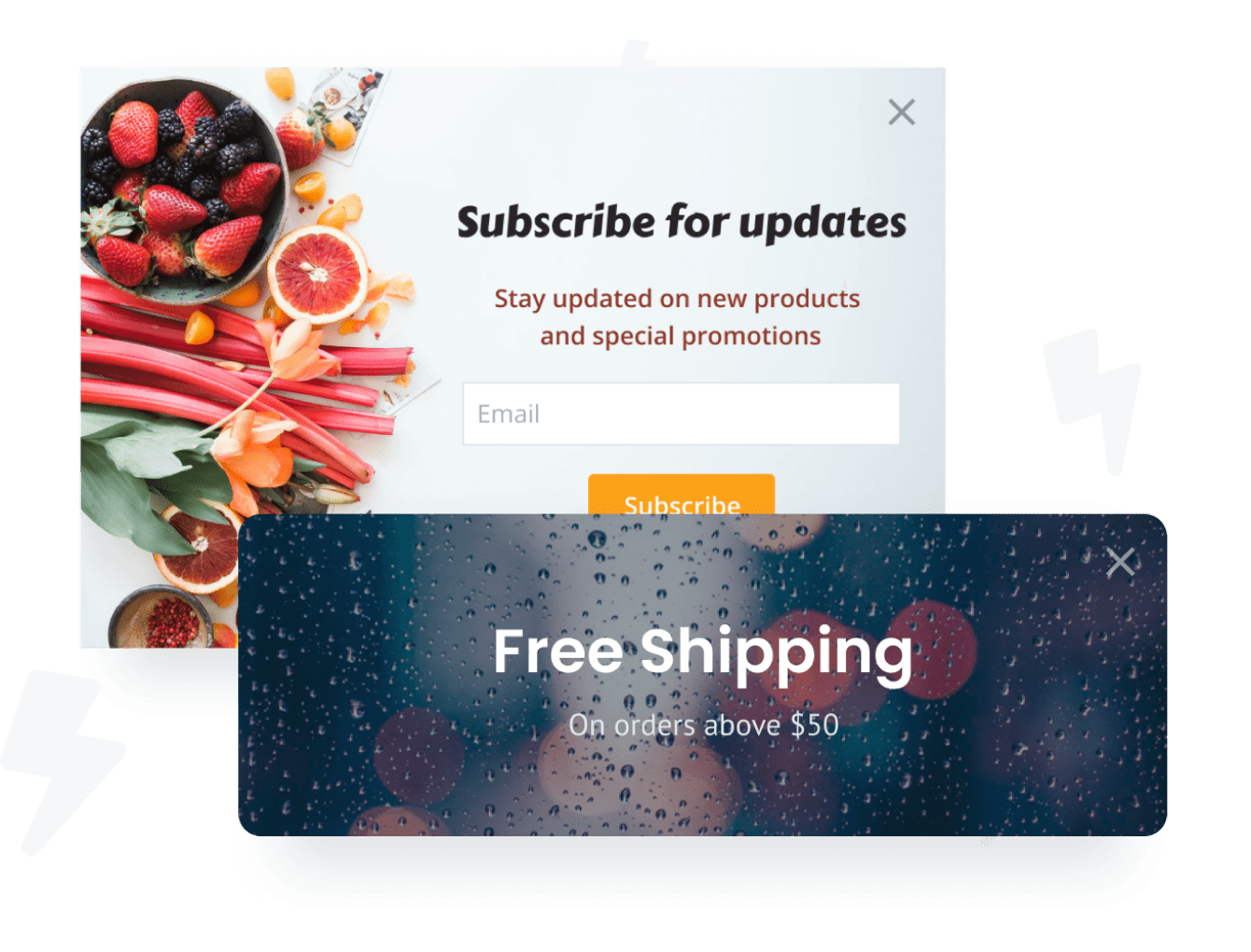

将Exit Intent Popup应用程序嵌入到您的Hive For WordPress网站上从未如此简单
创建自定义的Exit Intent Popup Hive For WordPress应用,匹配网站的样式和颜色,并将Exit Intent Popup添加到Hive For WordPress页面,帖子,侧边栏,页脚或您喜欢的任何位置现场。
Need to know more about features and integrations of our Exit Intent Popup app?
See the detailsRemove the Guesswork of Building Your Brand
Establishing Brand Identity 101 - Your Website
Congratulations on starting to expand your e-commerce site online -- by getting your Hive For WordPress website live on the web!
But here comes the next big question: How do you get site visitors to engage and buy your product or service?

Then You Must Customize Your Elements
Some may first take a stab at to DIY an Exit Intent Popup app or 'knows a guy' that can build one in 'no time'.
Others attempt to find open source Exit Intent Popup apps, or foreign companies that claim to offer Exit Intent Popup apps at rock-bottom prices.
Reduce Time Spent by Half With POWR
Also, customizing and updating an Exit Intent Popup app calls for even more time, and is likely to cause new issues.
As your company continues to expand, you're likely to encounter security issues, as hackers may attempt to manipulate vulnerabilities in the Exit Intent Popup app. POWR has you covered!

POWR supports high-volume sites on Hive For WordPress and prioritizes the security of our Exit Intent Popup app, as well as all 60+ apps, to keep any bad actors at bay.

CASE STUDY: Rbia Shades is winning with POWR apps
After Rbia launched its website, they were looking for a solution to add new contacts for outreach.
They found POWR while looking for a popup solution on their site and started to see immediate results.
In just a few short months of installing a POWR Popup app, Rbia earned over 600 new contacts – a 250% growth.
Next, they used a Social Feed app and quickly noticed a leap in new followers on Instagram and 200% more engagement on their site.
Last came the Media Slider. A beautiful way to show off their products and accessories to every site visitor the moment they land on their site.



Yes, POWR has an app for that.
See apps in action

Trusted by the best in the biz!
POWR has helped over a half million businesses on every continent
(besides Antarctica, because of course not)


Frequently Asked Questions
Learn more about how to add POWR apps to your website.
Yes, any POWR app will work perfectly on any website. What’s better, is the patented POWR Live Editor is the same regardless of the app.
- Easily add more than one (for free)
- Edit to your needs directly from your live site
- Changes are made instantly
All POWR apps are mobile-friendly, with the exception of the exit-intent popup. Here's why:
What makes a popup appear upon someone exiting a webpage is triggered by moving the cursor toward the top. Since there is no cursor on a mobile device (smartphone or tablet), an exit-intent popup cannot know when to trigger.
Therefore, if you rely on mobile traffic more than desktop traffic, an exit-intent popup is not the solution for you.
However, the traditional POWR Popup is optimized for mobile; it looks great and functions smoothly across all devices.
This optimization enhances user experience, contributing to higher engagement rates on your Hive For WordPress site.
POWR Exit Intent Popup allows you to edit every detail, such as fonts, colors, borders, and spacing, directly from the editor, ensuring your Exit Intent Popup perfectly matches your brand's identity.
This flexibility makes integrating and aligning with your site's look and feel easy.
Adding Exit Intent Popup to your Hive For WordPress site is fully outlined above and straightforward with no coding required.
Follow POWR's setup guide, which is as easy as copying/pasting the provided code snippet into your site's HTML.
This ease of installation makes it convenient for Hive For WordPress site owners to implement Exit Intent Popup and gather feedback from their audience.
Using POWR Exit Intent Popup on your Hive For WordPress site offers numerous benefits, including enhanced customization options and easy installation without coding.
These features help improve your site's user engagement by allowing visitors to provide valuable feedback, leading to better online growth.