
Steps to Add a Ecommerce App on a Ticimax Site
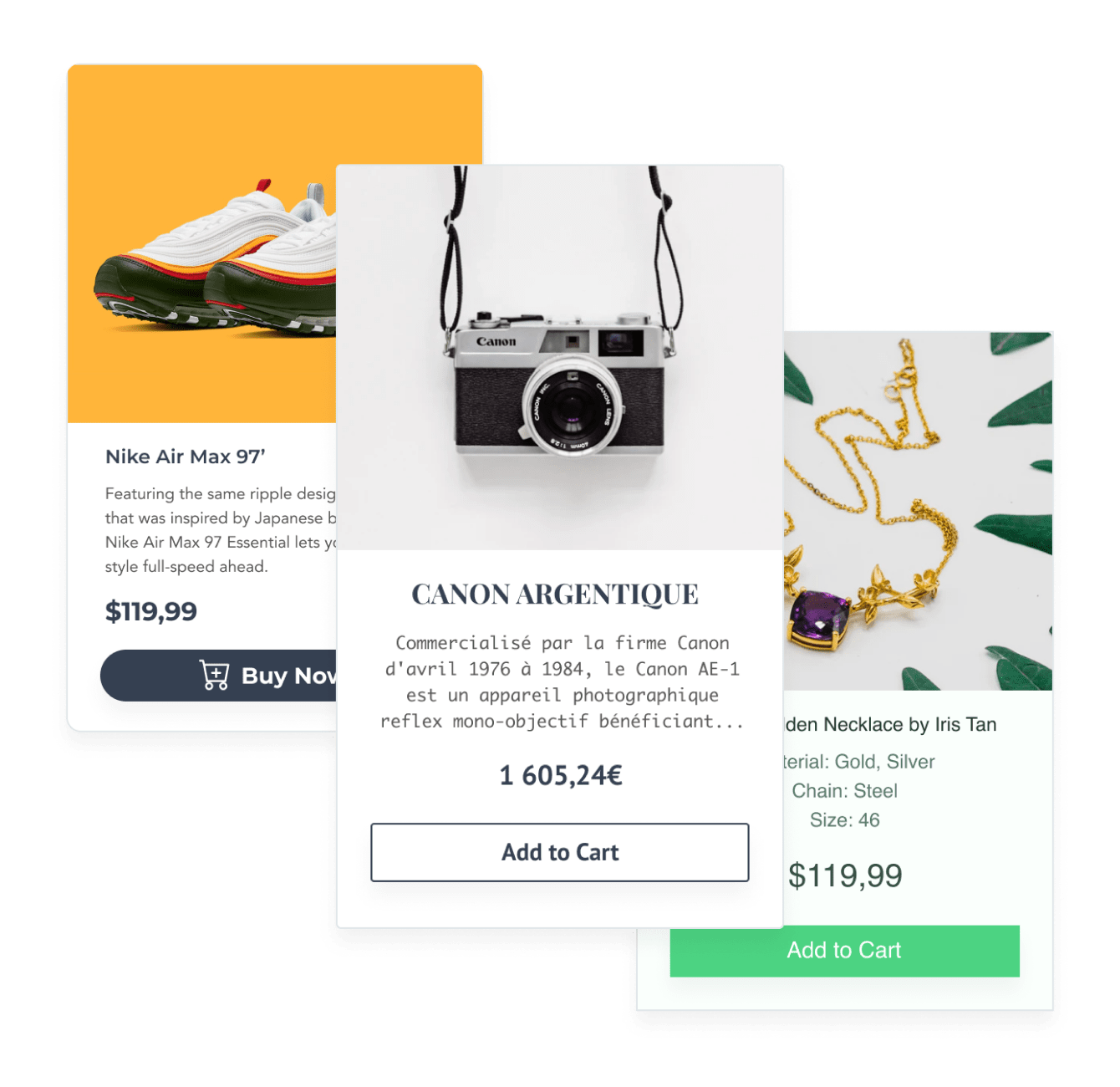
Create your customized Ecommerce app, match your website's style and colors, and add Ecommerce to your Ticimax page, post, sidebar, footer, or wherever you like on your site.
Undecided if our Ecommerce app will suit your needs? We have all the details you need.
See the detailsRemove the Guesswork of Building Your Brand
Establishing Brand Identity 101 - Your Website
If you have your Ticimax website published, you’ve completed the biggest challenge in building an online presence. Way to go!
But next comes the hard part: how can you draw in, captivate, make, and support more visitors?


Now You Have To Make Your Elements Unique
Some small business owners try to design an Ecommerce app by themselves or get an expensive web designer that claims they can build one.
Others try to enlist web design companies overseas that claim to offer Ecommerce apps for reduced prices or attempt to use open source code.
Save Time With POWR
Also, customizing and updating an Ecommerce app involves even more time, and is likely to cause new complications.
As your company continues to expand, you're likely to face security issues, as hackers may attempt to manipulate vulnerabilities in the Ecommerce app. POWR has you covered!

POWR has the most advanced security features, is built for scale, and currently supports high-volume sites on Ticimax and other similar platforms.

CASE STUDY: Rbia Shades completely transformed their online experience
After Rbia launched its website, they were looking for a solution to add new contacts for outreach.
They found POWR while looking for a popup solution on their site and started to see immediate results.
In just a few short months of installing a POWR Popup app, Rbia earned over 600 new contacts – a 250% growth.
Next, they used a Social Feed app and quickly noticed a leap in new followers on Instagram and 200% more engagement on their site.
Last came the Media Slider. A beautiful way to show off their products and accessories to every site visitor the moment they land on their site.



Yes, POWR has an app for that.
See apps in action

Trusted by the best in the biz!
POWR has helped over a half million businesses on every continent
(besides Antarctica, because of course not)


Frequently Asked Questions
Learn more about how to add POWR apps to your website.
Yes, any POWR app will work perfectly on any website. What’s better, is the patented POWR Live Editor is the same regardless of the app.
- Easily add more than one (for free)
- Edit to your needs directly from your live site
- Changes are made instantly
Absolutely! The POWR Ecommerce widget is optimized for mobile, ensuring that it looks great and functions smoothly across all devices, including phones and tablets.
This optimization enhances user experience, contributing to higher engagement rates on your Ticimax site.
POWR Ecommerce allows you to edit every detail such as fonts, colors, borders, and spacing directly from the editor, ensuring your Ecommerce perfectly match your brand's identity.
This flexibility makes it easy to integrate and align with your site's look and feel.
Adding Ecommerce to your Ticimax site is fully outlined above and straightforward with no coding required.
Simply follow POWR's setup guide, which is as easy as copy/pasting the provided code snippet into your site's HTML.
This ease of installation makes it convenient for Ticimax site owners to implement Ecommerce and gather feedback from their audience.
Using POWR Ecommerce on your Ticimax site offers numerous benefits, including enhanced customization options and easy installation without coding.
These features help improve your site's user engagement by allowing visitors to provide valuable feedback, leading to better online growth.