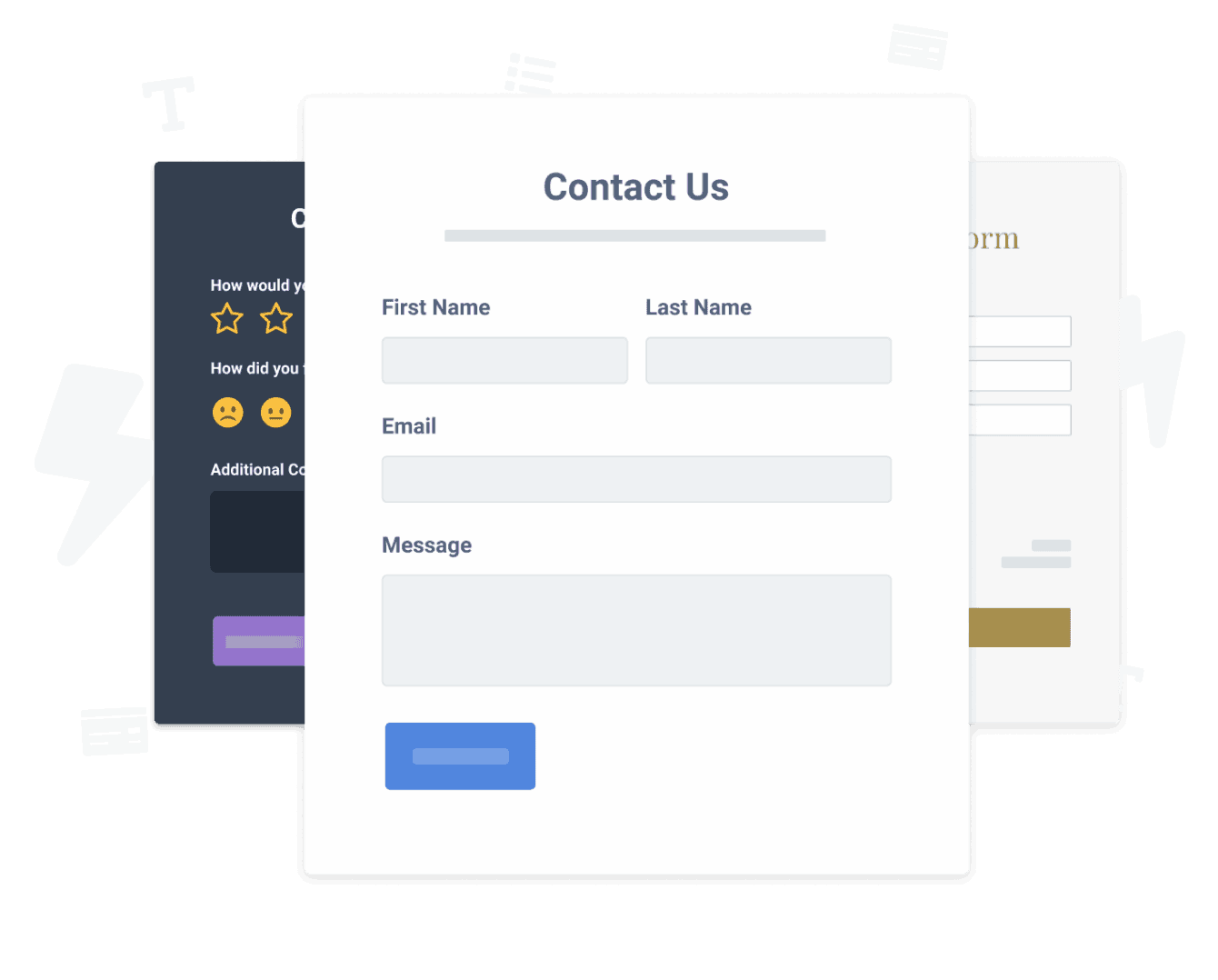

Insertar la aplicación Ebook Download Form en tu sitio Webs nunca ha sido tan fácil
Cree su aplicación personalizada Ebook Download Form Webs, combine el estilo y los colores de su sitio web, y agregue Ebook Download Form a su Webs página, publicación, barra lateral, pie de página o donde desee en su sitio.
How To Add a Ebook Download Form App on Webs:
Create a Free Ebook Download Form App
Start for free nowLanzar editor web
Abra la página donde desea a insertar PODER Ebook Download Form.Add HTML Code
De la lista de componentes, click Otro . Tire de un nuevo elemento HTML personalizado en la página the.A gray Custom HTML box will appear on your page.
Haga doble clic en el cuadro gris.Copiar y pegar
Pega el código en el cuadro.Begin editing the following Ebook Download Form app directly inside of the Webs website:
Ir a the en vivo Webs página web y click el icono de configuración en la esquina superior derecha de the Ebook Download Form app.
Undecided if our Ebook Download Form app will suit your needs? We have all the details you need.
See the detailsRemove the Guesswork of Building Your Brand
Si tiene su sitio web Webs en funcionamiento, ha superado el primer gran desafío en la construcción de la presencia en línea de su empresa. ¡felicidades!


Algunas empresas primero try un hágalo usted mismo (bricolaje) Ebook Download Form o tienen un "techie" que afirma que puede construir an Ebook Download Form in 'no time'.
Además, personalizar y actualizar el Ebook Download Form requiere aún más tiempo y es probable que cause nuevos problemas o errores.

Debido a que powr está diseñado para escalar, tiene la seguridad integrada más avanzada y las capacidades de alto volumen disponibles.

Además, nuestro equipo de ingenieros expertos trabaja día y noche para que las aplicaciones powr como su Webs Ebook Download Form trabajen para usted.
Si todavía have questions, entonces take a look at qué rbia shades, una compañía de gafas de sol que crafts marcos de madera hechos a mano, tiene seen in their business.



Yes, POWR has an app for that.
See apps in action

Trusted by the best in the biz!
POWR has helped over a half million businesses on every continent
(besides Antarctica, because of course not)


Frequently Asked Questions
Learn more about how to add POWR apps to your website.
Yes, any POWR app will work perfectly on any website. What’s better, is the patented POWR Live Editor is the same regardless of the app.
- Easily add more than one (for free)
- Edit to your needs directly from your live site
- Changes are made instantly
Absolutely! The POWR Ebook Download Form widget is optimized for mobile, ensuring that it looks great and functions smoothly across all devices, including phones and tablets.
This optimization enhances user experience, contributing to higher engagement rates on your Webs site.
POWR Ebook Download Form allows you to edit every detail such as fonts, colors, borders, and spacing directly from the editor, ensuring your Ebook Download Form perfectly match your brand's identity.
This flexibility makes it easy to integrate and align with your site's look and feel.
Adding Ebook Download Form to your Webs site is fully outlined above and straightforward with no coding required.
Simply follow POWR's setup guide, which is as easy as copy/pasting the provided code snippet into your site's HTML.
This ease of installation makes it convenient for Webs site owners to implement Ebook Download Form and gather feedback from their audience.
Using POWR Ebook Download Form on your Webs site offers numerous benefits, including enhanced customization options and easy installation without coding.
These features help improve your site's user engagement by allowing visitors to provide valuable feedback, leading to better online growth.