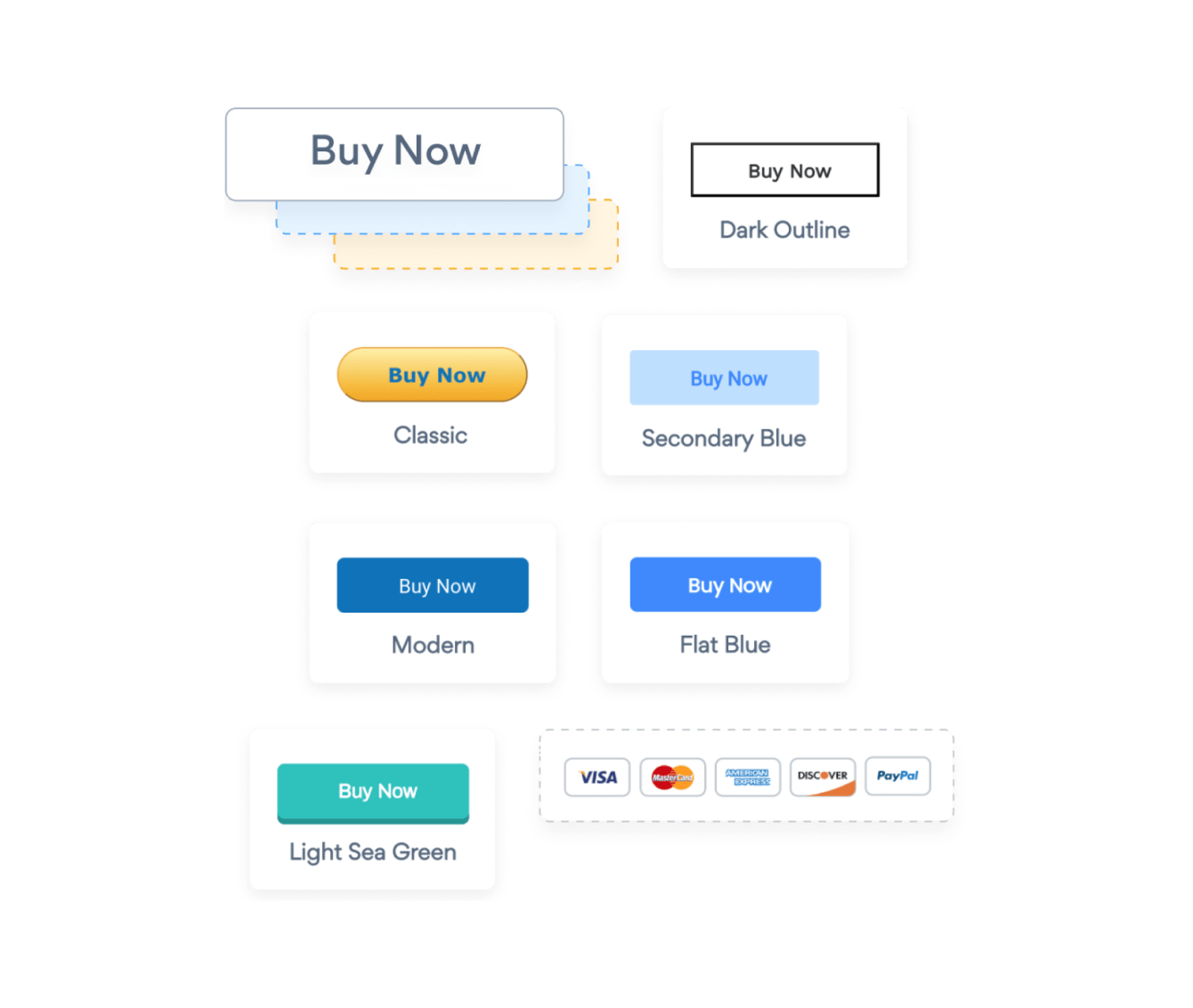

Incorporare l'app Donation Button sul tuo sito Salesforce non è mai stato così facile
Crea la tua app Donation Button Salesforce personalizzata, abbina lo stile e i colori del tuo sito web e aggiungi Donation Button alla tua pagina Salesforce, post, barra laterale, piè di pagina o dove preferisci sul tuo posto.
All you need to know about our Donation Button app is just a click away.
See the detailsRemove the Guesswork of Building Your Brand
A Solid Brand Identity Starts on Your Website
Congratulations on starting to develop your e-commerce site online -- by getting your Salesforce website live on the web!
Here comes the next big question: How do you get site visitors to engage and buy your product or service?


Then You Must Customize Your Elements
People often ask a 'techie' friend to design a Donation Button for them or hire a 'web guy' that one of their friends referred.
Others look overseas or for low-cost open source alternatives for Donation Button.
Reduce Time Spent by Half With POWR
Also, customizing and updating a Donation Button app calls for even more time, and is likely to cause new complications.
As your company continues to progress, you're likely to encounter security issues, as hackers may attempt to manipulate vulnerabilities in the Donation Button app. POWR has you covered!

All POWR apps are built to scale with your business on Salesforce, so we offer the most advanced security features and high-volume capabilities on the market to keep your customers (and you) safe.

CASE STUDY: Rbia Shades completely transformed their online experience
Rbia Shades needed to expand beyond its region by bringing its products online. They needed a low-maintenance, non-techie solution.
After much research, they chose POWR as their no-code tool of choice.
In just a few short months of installing a POWR Popup app, Rbia earned over 600 new contacts – a 250% growth.
Next, they used a Social Feed app and quickly noticed a leap in new followers on Instagram and 200% more engagement on their site.
Last came the Media Slider. A beautiful way to show off their products and accessories to every site visitor the moment they land on their site.



Every POWR app works on any platform.
See apps in action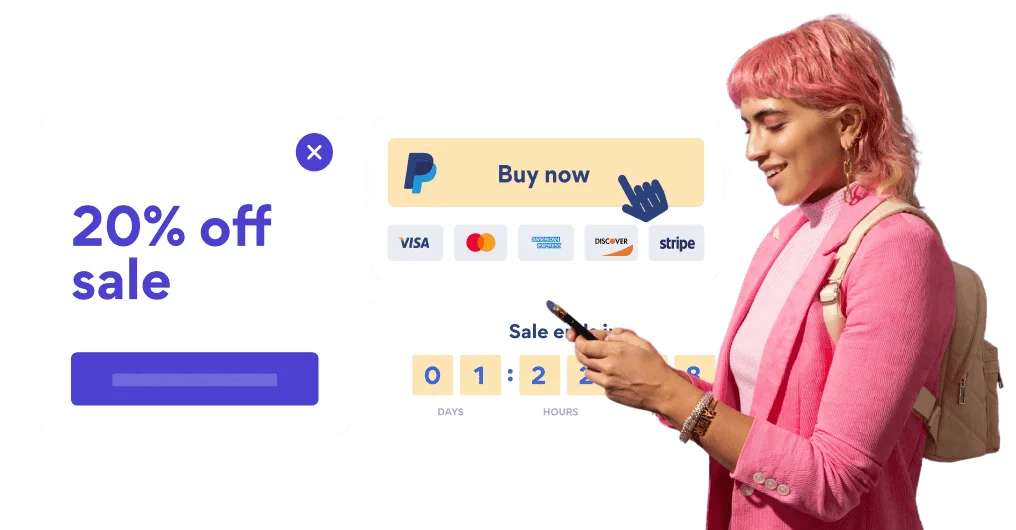

Trusted by the best in the biz!
POWR has helped over a half million businesses on every continent
(besides Antarctica, because of course not)


Frequently Asked Questions
Learn more about how to add POWR apps to your website.
Yes, any POWR app will work perfectly on any website. What’s better, is the patented POWR Live Editor is the same regardless of the app.
- Easily add more than one (for free)
- Edit to your needs directly from your live site
- Changes are made instantly
Absolutely! The POWR Donation Button widget is optimized for mobile, ensuring that it looks great and functions smoothly across all devices, including phones and tablets.
This optimization enhances user experience, contributing to higher engagement rates on your Salesforce site.
POWR Donation Button allows you to edit every detail such as fonts, colors, borders, and spacing directly from the editor, ensuring your Donation Button perfectly match your brand's identity.
This flexibility makes it easy to integrate and align with your site's look and feel.
Adding Donation Button to your Salesforce site is fully outlined above and straightforward with no coding required.
Simply follow POWR's setup guide, which is as easy as copy/pasting the provided code snippet into your site's HTML.
This ease of installation makes it convenient for Salesforce site owners to implement Donation Button and gather feedback from their audience.
Using POWR Donation Button on your Salesforce site offers numerous benefits, including enhanced customization options and easy installation without coding.
These features help improve your site's user engagement by allowing visitors to provide valuable feedback, leading to better online growth.