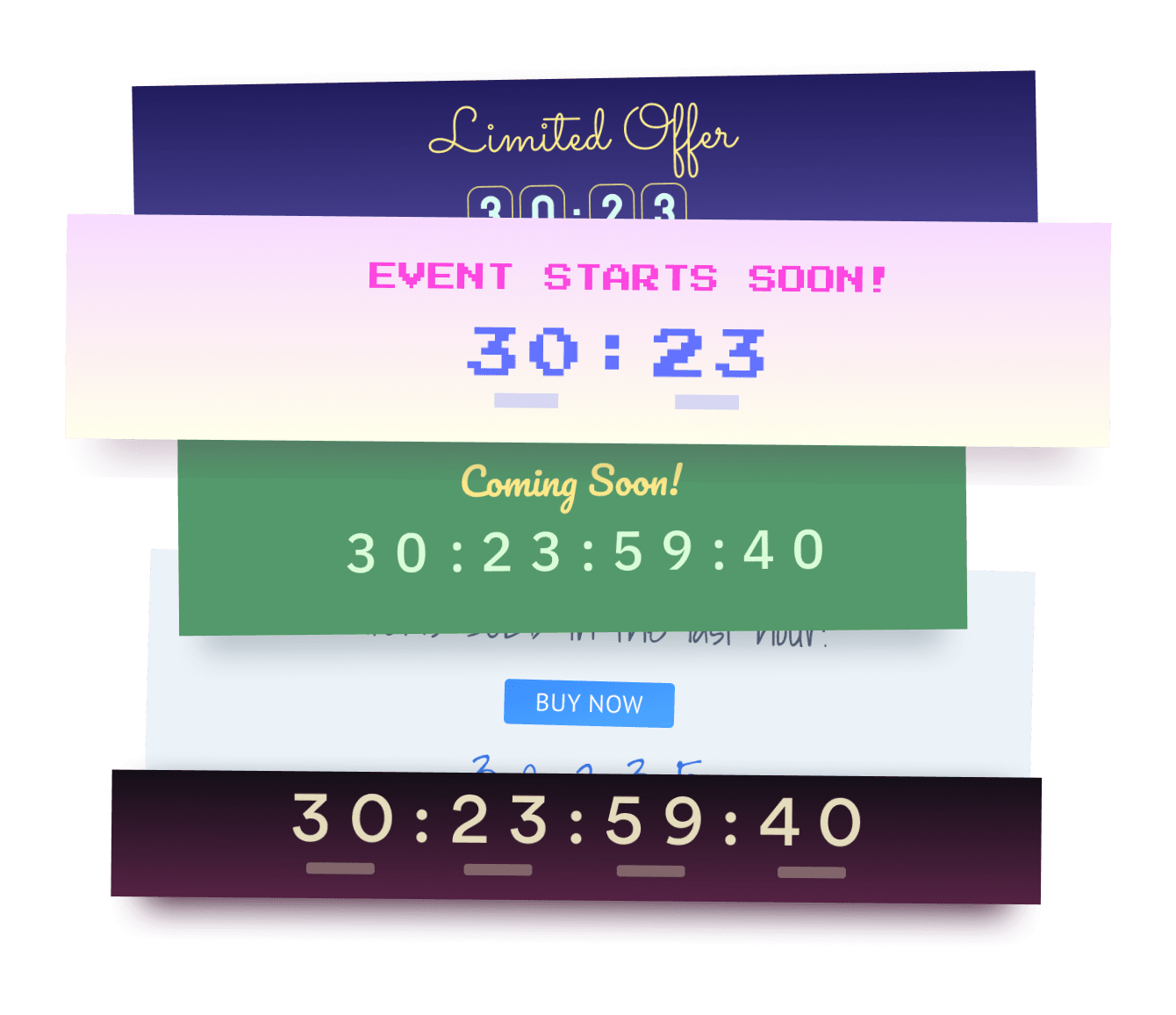

L'intégration de l'application Cyber Monday Countdown Timer sur votre Google Sites site n'a jamais été aussi simple
Créez votre application Cyber Monday Countdown Timer Google Sites personnalisée, associez le style et les couleurs de votre site web, et ajoutez Cyber Monday Countdown Timer à votre Google Sites page, message, barre latérale, pied de page ou à l'endroit de votre choix sur votre site.
Need to know more about features and integrations of our Cyber Monday Countdown Timer app?
See the detailsRemove the Guesswork of Building Your Brand
A Solid Brand Identity Starts on Your Website
If you have your Google Sites website working, you’ve completed the biggest challenge in building an online presence. Awesome!
But next comes a tough question: how can you entice, captivate, turn, and support more visitors?


Then You Must Customize Your Elements
Some may first try to DIY a Cyber Monday Countdown Timer app or 'knows a guy' that can build one in 'no time'.
Others attempt to find open source Cyber Monday Countdown Timer apps, or companies abroad that claim to offer Cyber Monday Countdown Timer apps at rock-bottom prices.
Get Back More Time With POWR
Also, customizing these apps usually requires coding experience or another designer to help -- costing even more resources.
In a world where scammers infiltrate sites every day, many other Cyber Monday Countdown Timer apps out there aren't built with security in mind, which could expose your customers or worse -- crash your whole site. Not with POWR!

POWR has the most advanced security features, is built for scale, and currently supports high-volume sites on Google Sites and other similar platforms.

CASE STUDY: POWR put Rbia Shades on the success track
After much success locally, Rbia needed a way to collect emails effectively on their brand-new website.
Their website provider did not have what they were looking for, so the search was on. After doing their research, they believed POWR was what they needed.
Shortly after signing on with POWR, Rbia’s first step was to install a popup. They increased their contacts by over 250% (over 600 real contacts).
Soon after, they added our Social Feed app and grew their social media following to over 6000.
Next, they added a Media Slider as a visual way to quickly show their products to new site visitors as they entered their homepage to show how the accessories looked in real life. It showcases their products well and gave customers a great on-site experience.
In fact, they quickly found that visitors who interacted with POWR apps on their site stayed engaged 2.5 times longer than ever before.



Every POWR app works on any platform.
See apps in action

Trusted by the best in the biz!
POWR has helped over a half million businesses on every continent
(besides Antarctica, because of course not)


Frequently Asked Questions
Learn more about how to add POWR apps to your website.
Yes, any POWR app will work perfectly on any website. What’s better, is the patented POWR Live Editor is the same regardless of the app.
- Easily add more than one (for free)
- Edit to your needs directly from your live site
- Changes are made instantly
Absolutely! The POWR Cyber Monday Countdown Timer widget is optimized for mobile, ensuring that it looks great and functions smoothly across all devices, including phones and tablets.
This optimization enhances user experience, contributing to higher engagement rates on your Google Sites site.
POWR Cyber Monday Countdown Timer allows you to edit every detail such as fonts, colors, borders, and spacing directly from the editor, ensuring your Cyber Monday Countdown Timer perfectly match your brand's identity.
This flexibility makes it easy to integrate and align with your site's look and feel.
Adding Cyber Monday Countdown Timer to your Google Sites site is fully outlined above and straightforward with no coding required.
Simply follow POWR's setup guide, which is as easy as copy/pasting the provided code snippet into your site's HTML.
This ease of installation makes it convenient for Google Sites site owners to implement Cyber Monday Countdown Timer and gather feedback from their audience.
Using POWR Cyber Monday Countdown Timer on your Google Sites site offers numerous benefits, including enhanced customization options and easy installation without coding.
These features help improve your site's user engagement by allowing visitors to provide valuable feedback, leading to better online growth.