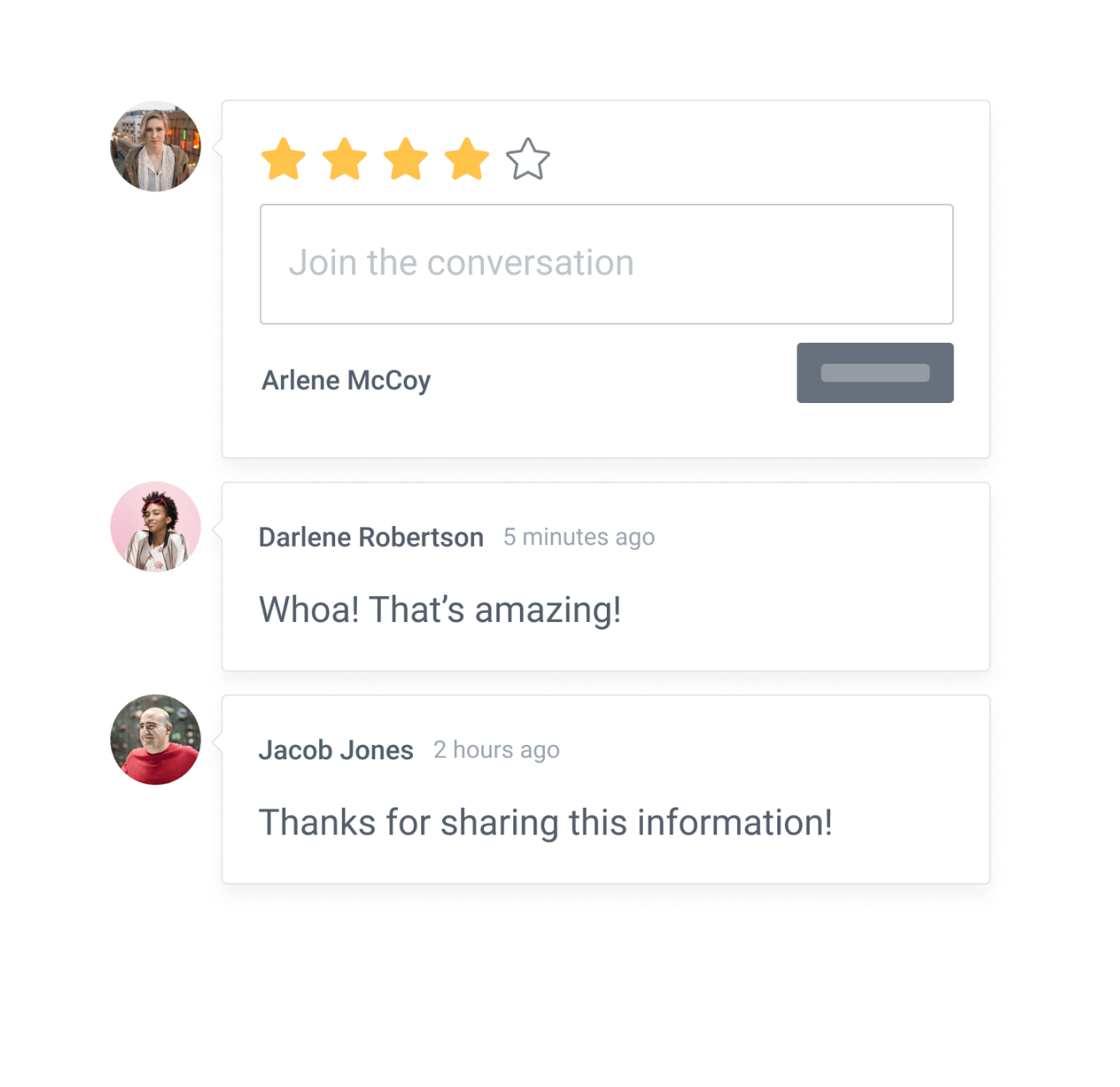

Incorporar o aplicativo Blog ao site Elementor nunca foi tão fácil
Crie seu aplicativo Blog Elementor personalizado, combine com o estilo e as cores do seu site e adicione Blog à sua página, postagem, barra lateral, rodapé ou onde você quiser no seu Elementor local.
How To Add a Blog App on Elementor:
Create a Free Blog App
Start for free nowYour code block will be available once you create your app
All you need to know about our Blog app is just a click away.
See the detailsRemove the Guesswork of Building Your Brand
Begin Building Brand Identity From Your Website
You've already invested time and resources in creating your business online just by having a Elementor website.
Your work isn't done yet, though! Now it's time to attract and engage visitors, then make them into customers.

Website Element Customization is Next
People often ask a 'techie' friend to build a Blog for them or hire a 'web guy' that one of their friends referred.
Others look overseas or for low-cost open source alternatives for Blog.
Reduce Time Spent by Half With POWR
Also, customizing these apps usually requires coding experience or another designer to help -- costing even more resources.
In a world where scammers infiltrate sites every day, many other Blog apps out there aren't built with security in mind, which could expose your customers or worse -- crash your whole site. Not with POWR!
POWR supports high-volume sites on Elementor and prioritizes the security of our Blog app, as well as all 60+ apps, to keep any bad actors at bay.
CASE STUDY: Rbia Shades wins big with POWR
Rbia Shades needed to expand beyond its region by bringing its products online. They needed a low-maintenance, non-techie solution.
After much research, they chose POWR as their no-code tool of choice.
Rbia grew its contact list by 250% using POWR Popup to collect new email addresses from first-time site visitors.
They also added POWR Social Feed to their site and saw a 200% spike in engagement from their site visitors. They also saw a big jump in social media followers and now have over 11K followers on Instagram.



POWR apps are made to grow your online revenue.
See apps in action

Trusted by the best in the biz!
POWR has helped over a half million businesses on every continent
(besides Antarctica, because of course not)


Frequently Asked Questions
Learn more about how to add POWR apps to your website.
Yes, any POWR app will work perfectly on any website. What’s better, is the patented POWR Live Editor is the same regardless of the app.
- Easily add more than one (for free)
- Edit to your needs directly from your live site
- Changes are made instantly
Absolutely! The POWR Blog widget is optimized for mobile, ensuring that it looks great and functions smoothly across all devices, including phones and tablets.
This optimization enhances user experience, contributing to higher engagement rates on your Elementor site.
POWR Blog allows you to edit every detail such as fonts, colors, borders, and spacing directly from the editor, ensuring your Blog perfectly match your brand's identity.
This flexibility makes it easy to integrate and align with your site's look and feel.
Adding Blog to your Elementor site is fully outlined above and straightforward with no coding required.
Simply follow POWR's setup guide, which is as easy as copy/pasting the provided code snippet into your site's HTML.
This ease of installation makes it convenient for Elementor site owners to implement Blog and gather feedback from their audience.
Using POWR Blog on your Elementor site offers numerous benefits, including enhanced customization options and easy installation without coding.
These features help improve your site's user engagement by allowing visitors to provide valuable feedback, leading to better online growth.