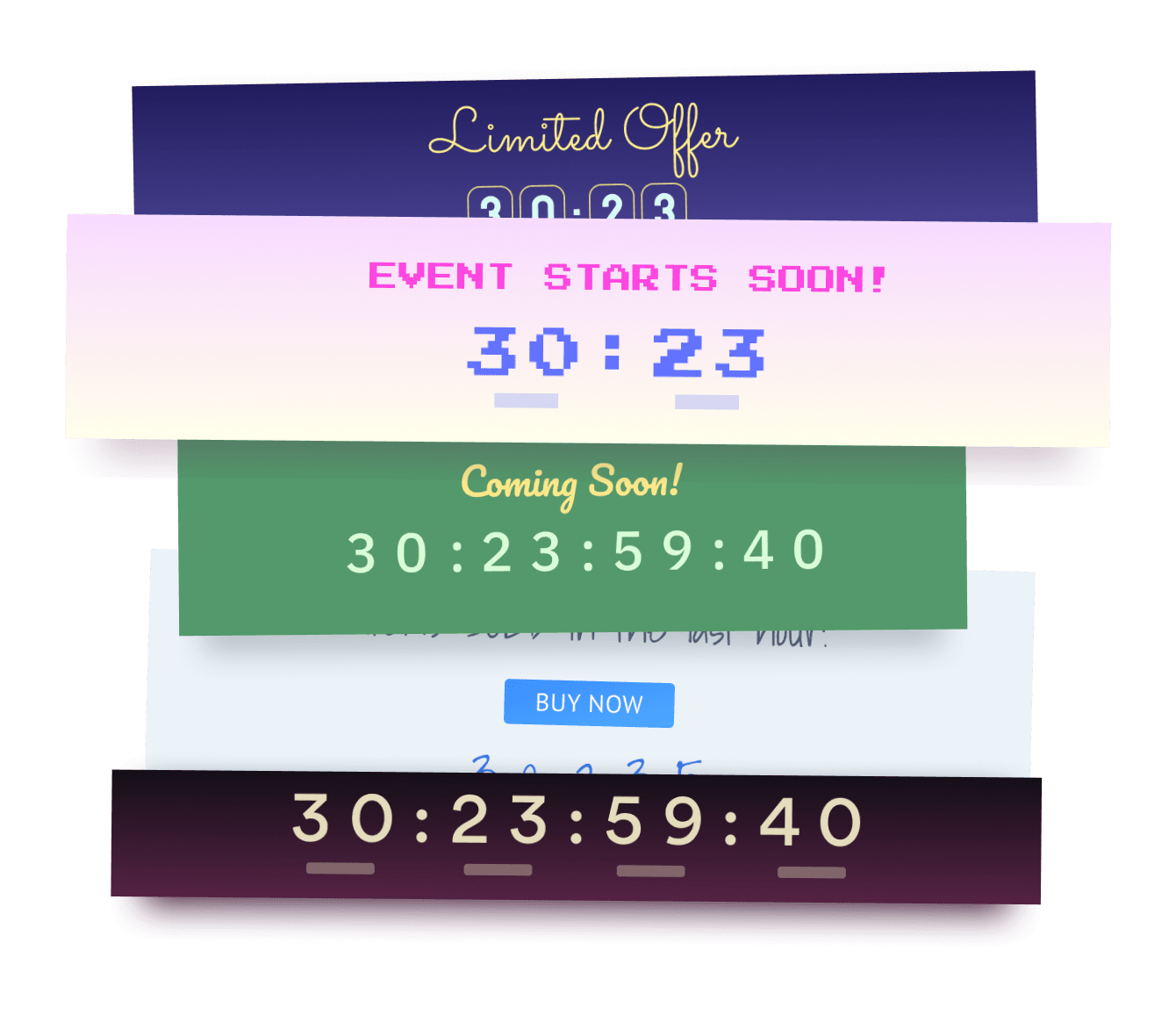

Das einbetten der Announcement Bar Countdown app in ihre Webs site war noch nie einfacher
Erstellen sie ihre benutzerdefinierte Announcement Bar Countdown Webs app, passen sie den stil und die farben ihrer website an und fügen sie Announcement Bar Countdown zu ihrer Webs seite, ihrem beitrag, ihrer seitenleiste, ihrer fußzeile oder wo immer sie möchten auf ihrer website hinzu seite? ˅.
How To Add a Announcement Bar Countdown App on Webs:
Create a Free Announcement Bar Countdown App
Start for free nowStarten Sie den Webs Editor
Suchen Sie die Seite, auf der Sie POWR Announcement Bar Countdown hinzufügen möchten.Add HTML Code
Add the bottom of the Webs editor are the various site components. Click Other to reveal the Custom HTML component. Then, drag the Custom HTML component to where you'd like your Announcement Bar Countdown plugin to appear on the page.Neues HTML-Element
Doppelklicken Sie auf das Feld.Code kopieren und einfügen
Einfügen the following Code in die Box. Dann speichern .Begin to alter the Announcement Bar Countdown app:
Klicke auf deiner live geschaltenen Webs Webseite auf das Zahnradsymbol in der oberen rechten Ecke deines Announcement Bar Countdown Plugins.
Not sure if our Announcement Bar Countdown app is right for you? Find out more about its features and integrations.
See the detailsRemove the Guesswork of Building Your Brand
Wenn sie ihre Webs website eingerichtet haben, haben sie die erste große herausforderung beim aufbau der online-präsenz ihres unternehmens gemeistert. herzliche glückwünsche!


Einige unternehmen try machen zuerst Announcement Bar Countdown einen heimwerker (diy) techie oder haben ein "an Announcement Bar Countdown", das behauptet, dass er / sie in 'no time' bauen kann.
Darüber hinaus erfordert das anpassen und aktualisieren von Announcement Bar Countdown noch mehr zeit und führt wahrscheinlich zu neuen problemen oder fehlern.

Da powr auf skalierbarkeit ausgelegt ist, verfügt es über die fortschrittlichste integrierte sicherheit und die verfügbaren funktionen für hohe volumina.

Darüber hinaus arbeitet unser team von erfahrenen ingenieuren tag und nacht daran, dass powr-apps wie ihre Webs Announcement Bar Countdown für sie arbeiten.
Wenn sie noch have questions, dann take a look at was rbia shades, eine sonnenbrillenfirma, die designs handgefertigte holzrahmen hat, been able to create hat.



Every POWR app works on any platform.
See apps in action

Trusted by the best in the biz!
POWR has helped over a half million businesses on every continent
(besides Antarctica, because of course not)


Frequently Asked Questions
Learn more about how to add POWR apps to your website.
Yes, any POWR app will work perfectly on any website. What’s better, is the patented POWR Live Editor is the same regardless of the app.
- Easily add more than one (for free)
- Edit to your needs directly from your live site
- Changes are made instantly
Absolutely! The POWR Announcement Bar Countdown widget is optimized for mobile, ensuring that it looks great and functions smoothly across all devices, including phones and tablets.
This optimization enhances user experience, contributing to higher engagement rates on your Webs site.
POWR Announcement Bar Countdown allows you to edit every detail such as fonts, colors, borders, and spacing directly from the editor, ensuring your Announcement Bar Countdown perfectly match your brand's identity.
This flexibility makes it easy to integrate and align with your site's look and feel.
Adding Announcement Bar Countdown to your Webs site is fully outlined above and straightforward with no coding required.
Simply follow POWR's setup guide, which is as easy as copy/pasting the provided code snippet into your site's HTML.
This ease of installation makes it convenient for Webs site owners to implement Announcement Bar Countdown and gather feedback from their audience.
Using POWR Announcement Bar Countdown on your Webs site offers numerous benefits, including enhanced customization options and easy installation without coding.
These features help improve your site's user engagement by allowing visitors to provide valuable feedback, leading to better online growth.