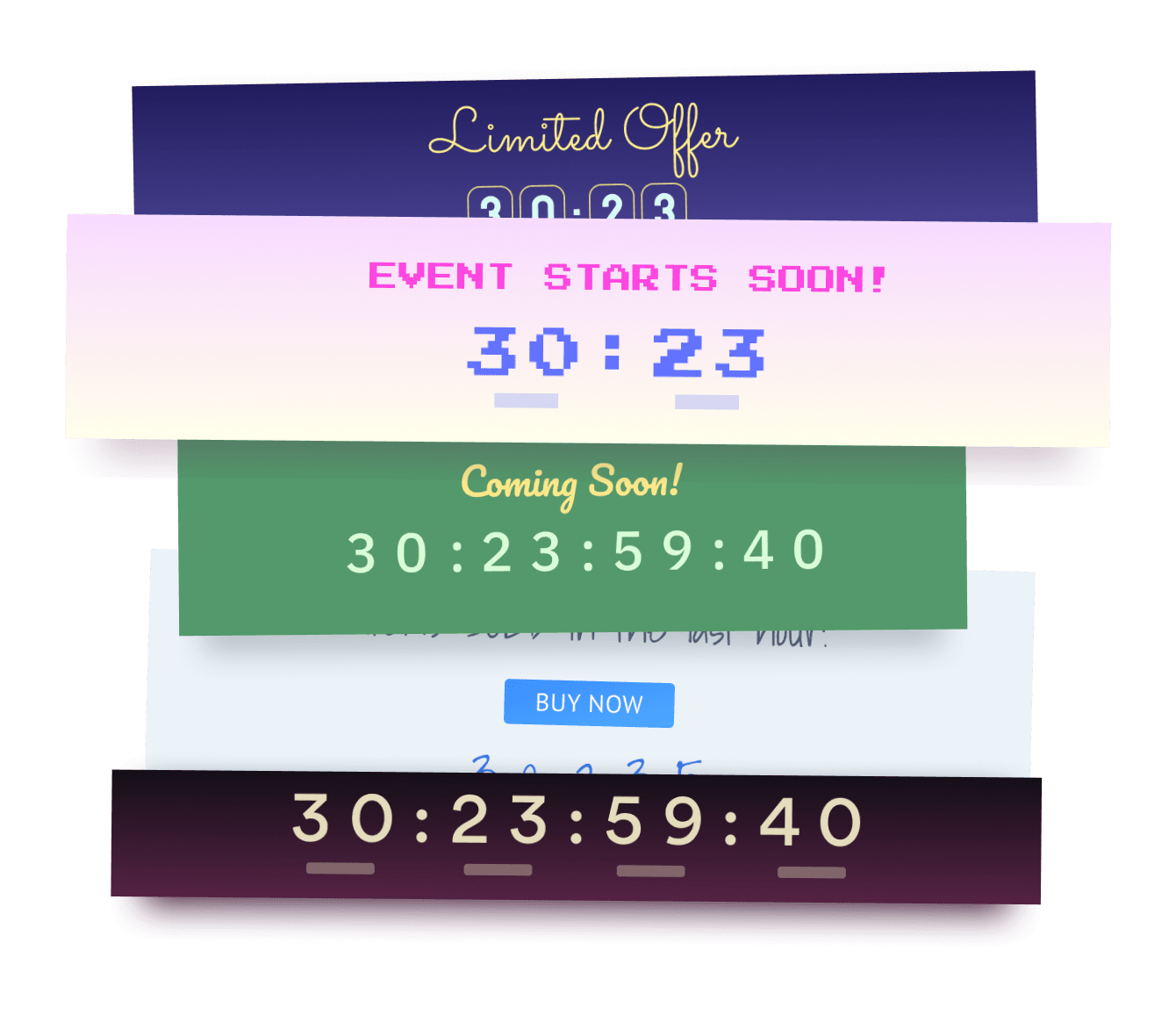

L'intégration de l'application Landing Page Countdown sur votre Dukaan site n'a jamais été aussi simple
Créez votre application Landing Page Countdown Dukaan personnalisée, associez le style et les couleurs de votre site web, et ajoutez Landing Page Countdown à votre Dukaan page, message, barre latérale, pied de page ou à l'endroit de votre choix sur votre site.
How To Add a Landing Page Countdown App on Dukaan:
Create a Free Landing Page Countdown App
Start for free nowEmbed POWR script to your Dukaan Site
2. Click on Code Editor and in the layout.html, paste the script below.Embed POWR Landing Page Countdown to your Dukaan Site.
1. Edit a page in the Dukaan editor.
2. Click an Insert Point.
3. Select Code from the list of options.
4. Copy and paste the code below into the text field. Click Save to save your changes.
5. Click update to publish your changes.Edit POWR Landing Page Countdown on your site
1. Click on the blue Edit App icon seen above the app.
3. All edits in the opened POWR Editor will be automatically applied.
Need to know more about features and integrations of our Landing Page Countdown app?
See the detailsRemove the Guesswork of Building Your Brand
Si votre site web Dukaan est opérationnel, vous avez relevé le premier grand défi consistant à renforcer la présence en ligne de votre entreprise. toutes nos félicitations!


Certaines entreprises commencent par try un bricolage Landing Page Countdown ou ont un « computer guru » qui prétend pouvoir construire a Landing Page Countdown in 'no time'.
De plus, la personnalisation et la mise à jour de Landing Page Countdown nécessitent encore plus de temps et sont susceptibles de provoquer de nouveaux problèmes ou bogues.


Parce que powr est conçu pour évoluer, il dispose de la sécurité intégrée la plus avancée et des capacités à haut volume disponibles.

De plus, notre équipe d'ingénieurs experts travaille nuit et jour pour que les applications powr comme votre Dukaan Landing Page Countdown travaillent pour vous.
Si vous continuez have questions, alors take a look at ce que rbia shades, une entreprise de lunettes de soleil qui crafts des cadres en bois faits à la main, a been able to create.



Yes, POWR has an app for that.
See apps in action

Trusted by the best in the biz!
POWR has helped over a half million businesses on every continent
(besides Antarctica, because of course not)


Frequently Asked Questions
Learn more about how to add POWR apps to your website.
Yes, any POWR app will work perfectly on any website. What’s better, is the patented POWR Live Editor is the same regardless of the app.
- Easily add more than one (for free)
- Edit to your needs directly from your live site
- Changes are made instantly
Absolutely! The POWR Landing Page Countdown widget is optimized for mobile, ensuring that it looks great and functions smoothly across all devices, including phones and tablets.
This optimization enhances user experience, contributing to higher engagement rates on your Dukaan site.
POWR Landing Page Countdown allows you to edit every detail such as fonts, colors, borders, and spacing directly from the editor, ensuring your Landing Page Countdown perfectly match your brand's identity.
This flexibility makes it easy to integrate and align with your site's look and feel.
Adding Landing Page Countdown to your Dukaan site is fully outlined above and straightforward with no coding required.
Simply follow POWR's setup guide, which is as easy as copy/pasting the provided code snippet into your site's HTML.
This ease of installation makes it convenient for Dukaan site owners to implement Landing Page Countdown and gather feedback from their audience.
Using POWR Landing Page Countdown on your Dukaan site offers numerous benefits, including enhanced customization options and easy installation without coding.
These features help improve your site's user engagement by allowing visitors to provide valuable feedback, leading to better online growth.